76
Permanent Quick reverse
> Select a stitch pattern or alphabet.
> Touch the icon «i»-Dialog.
> Touch the icon «Permanent reverse sewing» to sew permanently in reverse.
Backstepping
> Select a stitch pattern, alphabet or a buttonhole.
> Touch the icon «i»-Dialog.
> Touch the icon «Backstepping» to backstep the last 200 stitches.
Changing the sewing direction
> Select a stitch pattern or alphabet.
> Touch the icon «i»-Dialog.
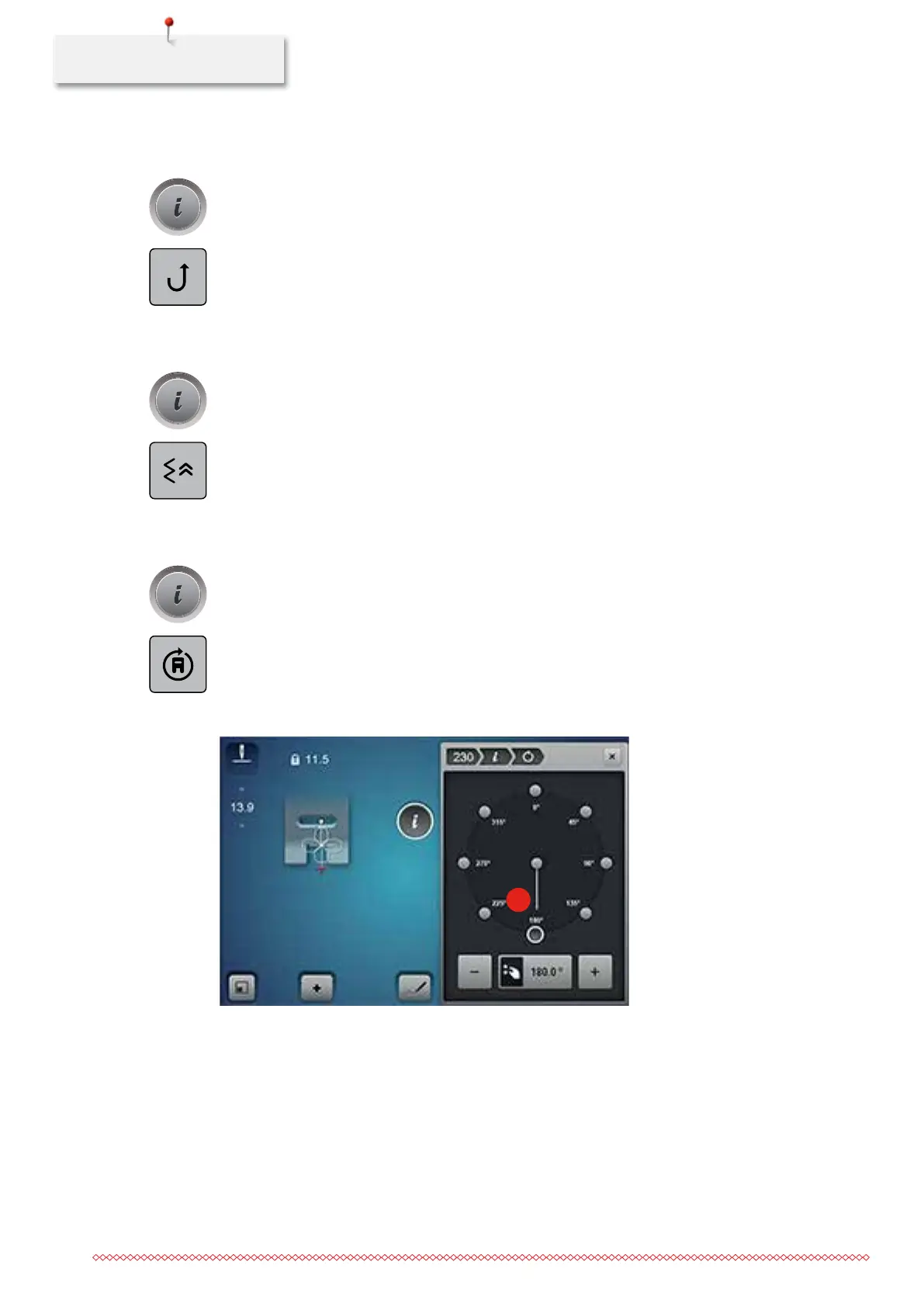
> Touch the icon «Changing the sewing direction».
> Rotate the stitch pattern in 0.5°-steps using the «Upper Multifunctional knob» or the «Lower
Multifunctional knob».
> In the right portion ot the display the stitch pattern can be rotated in 45°-steps (1) when touching the
icons «Direct selection».
1
035964.50.04_2014-08_Manual_B790_EN



 To Next Page