Setup Program
74
> Touch the icon «Information».
> Touch the icon «Service data».
> Touch the icon «LOG».
– The icon «LOG» is outlined in white.
> Only when the icon is not outlined in white anymore, remove the BERNINA USB Stick (Optional
accessory).
ID Number
The ID number of the machine is displayed.
> Touch the icon «Setup Program».
> Touch the icon «Machine settings».
> Touch the icon «Information».
> Touch the icon «ID Number».
– The machinen ID number appears.
Upgrade
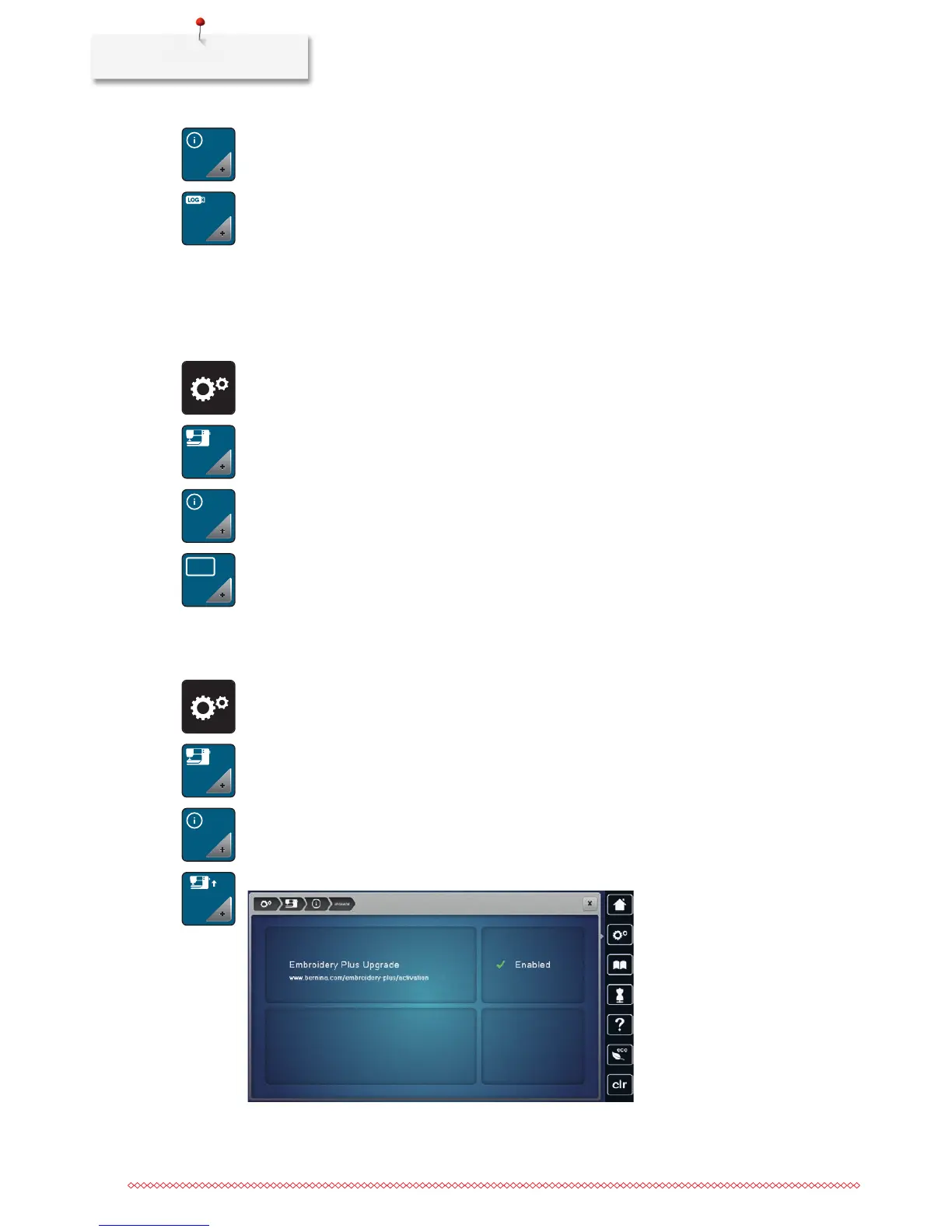
The upgrade is fee-based and has to be activated via an activation key.
> Touch the icon «Setup Program».
> Touch the icon «Machine settings».
> Touch the icon «Information».
> Touch the icon «UPGRADE».
– Enabled means that the update has been successful.
ID
UPGRADE



 To Next Page