Creative sewing
86
Deleting a stitch pattern combination
> Create a stitch pattern combination.
> Touch the icon «i»-Dialog.
> Touch the icon «Edit the complete combination».
> Touch the icon «Delete».
> Touch the icon «Confirm».
Editing the view of the stitch pattern combination
> Create a stitch pattern combination.
> Touch the icon «Edit mode».
> Touch the icon «Zoom out» to downsize the view of the stitch combination.
> Touch the icon «Zoom in» for a close up view of the downsized stitch pattern combination.
> Touch the icon «Edit mode» to return to the Combi mode.
Editing a single stitch pattern
> Create a stitch pattern combination.
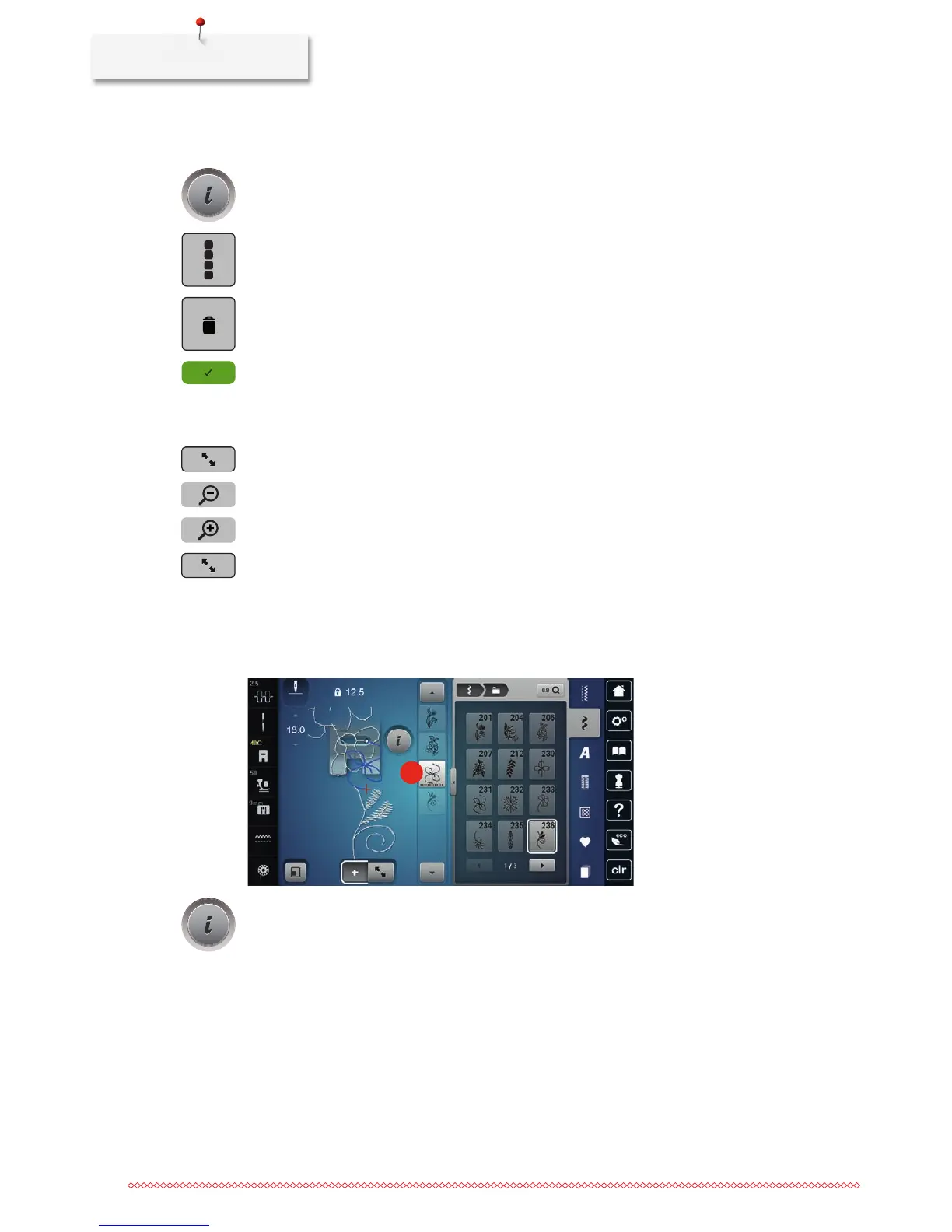
> With the touchscreen pen/finger touch the desired position (1) within the stitch pattern combination to
select a single stitch pattern.
1
> Touch the icon «i»-Dialog to edit the single stitch pattern.



 To Next Page