Creative sewing
87
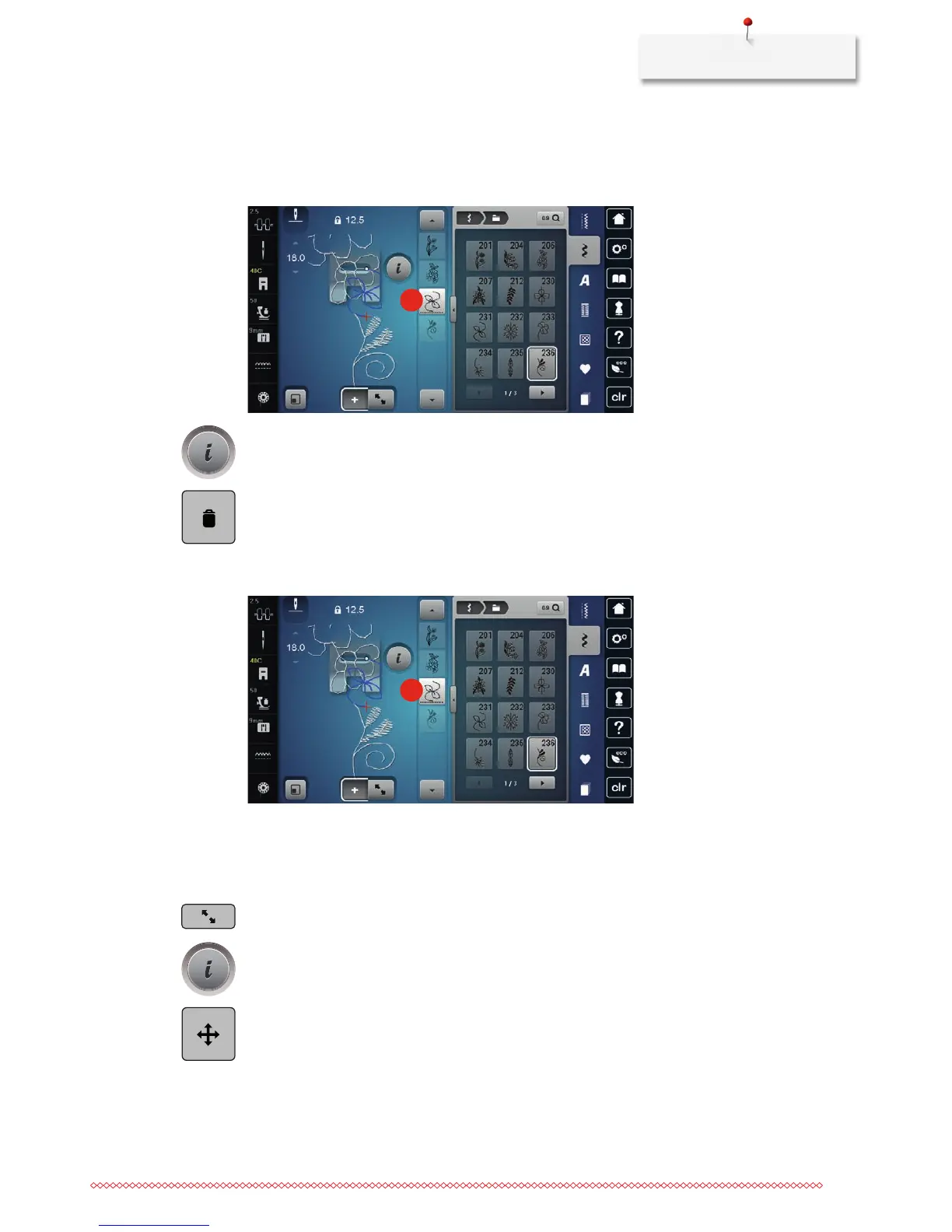
Deleting a single stitch pattern
> Create a stitch pattern combination.
> With the touchscreen pen/finger touch the desired position (1) within the stitch pattern combination to
select a single stitch pattern.
1
> Touch the icon «i»-Dialog.
> Touch the icon «Delete» or touch the desired stitch pattern with the touchscreen pen/finger, keep it
touched and move it to the right.
or
> touch the desired stitch pattern with the touchscreen pen/finger, keep it touched and move it outwards.
– The stitch pattern is deleted.
1
Relocating a single stitch pattern
The connecting stitches between the stitch patterns are added automatically.
> Create a stitch pattern combination.
> Touch the icon «Edit mode».
> With the touchscreen pen/finger select the desired position within the stitch pattern combination.
> Touch the icon «i»-Dialog.
> Touch the icon «Move the stitch pattern».
> Move the stitch pattern with the touchscreen pen/finger.
> Touch the yellow-framed icons to reset the alterations to default setting.



 To Next Page