BERNINA Stitch Regulator (BSR)
146
11.6 Using the BSR mode
The BSR function can be controlled via the foot control or the button «Start/Stop».
Starting via the foot control: The foot control needs to be pressed while quilting. The machine keeps running
intheBSR1modeuntilthefootcontrolisreleased,evenifthefabricisn'tmoved.
If quilting is stopped in the BSR2 mode, the machine sews another stitch depending on the needle position
and stops with needle position up.
Prerequisite:
• Theslide-ontableisattached.
• ThekneelifteroftheFreeHandSystemisattached.
> Lower the feed dog.
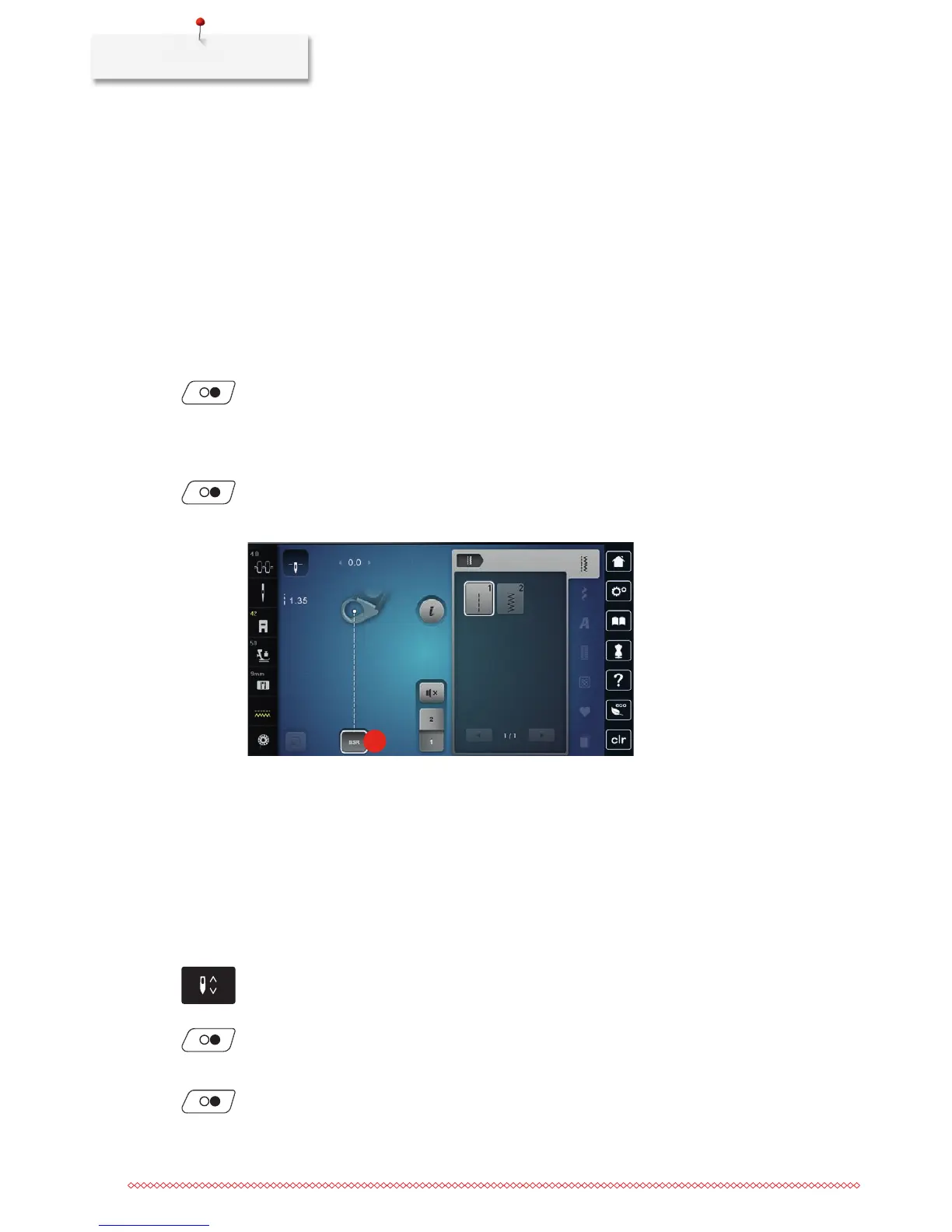
> Select the desired BSR mode.
> Push the button «Start/Stop» or press the foot control to lower the presser foot.
> Push the button «Start/Stop» again or press the foot control again and keep pressed to start the BSR
mode.
– At the BSR presser foot a red light is on.
> Move the fabric to control the speed of the machine in the BSR mode.
> Push the button «Start/Stop» again or release the foot control to stop the BSR mode.
– The BSR mode stops and the red light at the presser foot goes off.
> Touch the icon «BSR» (1) to deactivate the BSR mode and to quilt without automatic stitch length.
1
11.7 Securing
Securing in BSR1 mode with the button «Start/Stop»
Prerequisite:
• TheBSRpresserfootisattachedandconnectedwiththemachine.
• TheBSRdisplayisopenedandtheBSR1modeisactivated.
> Lower the feed dog.
> Lower the presser foot.
> Push the button «Needle up/down» twice.
– The bobbin thread is brought up.
> Hold the upper and the bobbin thread.
> Push the button «Start/Stop».
– Start the BSR mode.
> Sew 5 – 6 securing stitches.
> Push the button «Start/Stop».
– The BSR mode stops.



 To Next Page