Creative embroidering
175
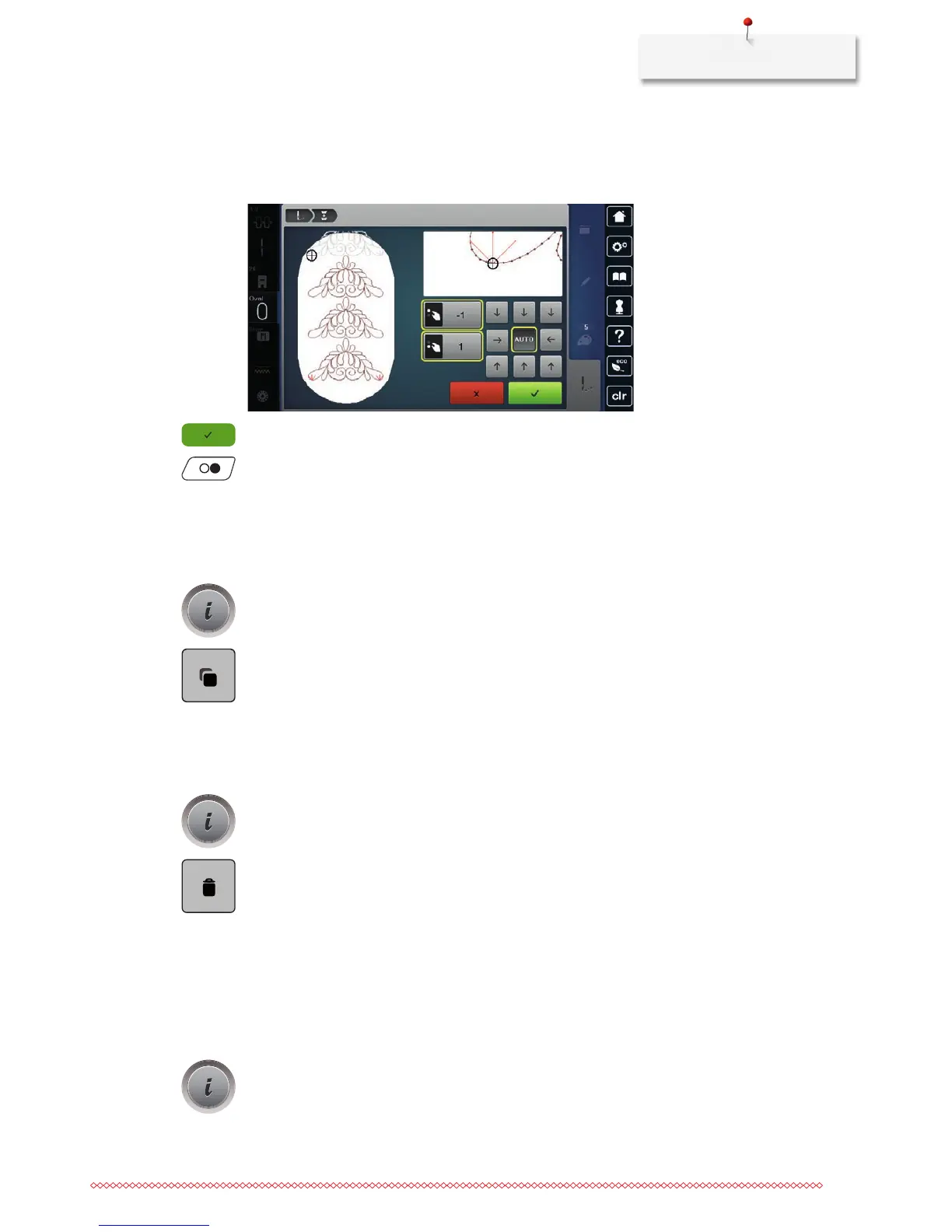
> Via the arrow icons, determine on which side of the embroidered part the next reference point shall be
placed.
> Turn the «Upper Multifunctional knob» or the «Lower Multifunctional knob» to position the hoop
exactly.
> Touch the icon «Confirm».
> Push the button «Start/Stop» and resume embroidering.
> Repeat these steps until the desired length of the border is embroidered.
Duplicating the embroidery motif
The active embroidery motif is duplicated.
> Select an embroidery motif.
> Touch the icon «i»-Dialog.
> Touch the icon «Duplicate».
Deleting an embroidery motif
The active embroidery motif is deleted.
> Select an embroidery motif.
> Touch the icon «i»-Dialog.
> Touch the icon «Delete».
Changing the sequence within an embroidery motif combination
The sequence of the embroidery motifs within the embroidery motif combination can be changed.
Prerequisite:
• Theembroiderymotifcombinationhasbeencreatedorthemotifhasbeenungrouped.
> Select the desired embroidery motif which is to be repositioned.
> Touch the icon «i»-Dialog.



 To Next Page