Sewing preparation
42
> Push the button «Feed dog up/down» to lower the feed dog.
> Push the button again to sew with the feed dog up.
2.7 Slide-on table
Using the slide-on table
When attached to the free arm, it expands the already existing sewing area.
> Raise the needle.
> Raise the presser foot.
> Switch the machine off and disconnect it from the power supply system.
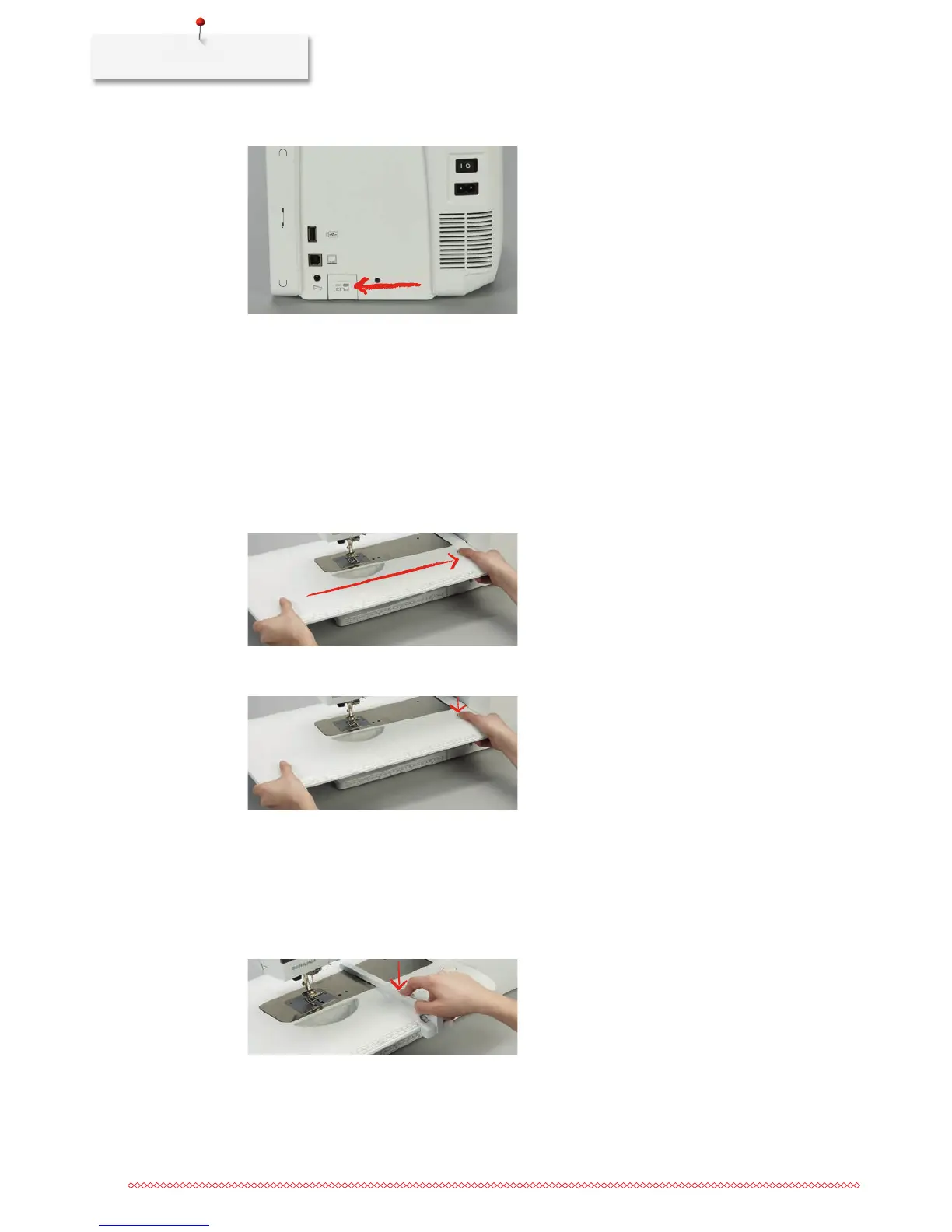
> Push the slide-on table to the right over the free arm until it engages.
> To remove the slide-on table, press the button at the table down and pull the slide-on table over the free
arm to the left.
Attaching the seam guide
Prerequisite:
• Theslide-ontableisattached.
> Press the release button of the seam guide to insert it into the groove of the slide-on table from left or
right.



 To Next Page