Attachment
201
Fault Cause Repair
Upper thread breaks Incorrect needle/thread
combination.
> Match the needle with the thread size.
Upper thread is too tight.
> Reduce the upper thread tension.
Incorrectly threaded.
> Rethread.
Poor quality thread.
> Use quality thread.
The stitch plate or the hook tip is
damaged.
> Contact the nearest specialized BERNINA dealer to have
the damages repaired.
> Replace the stitch plate.
The thread is caught in the area
of the thread take-up lever.
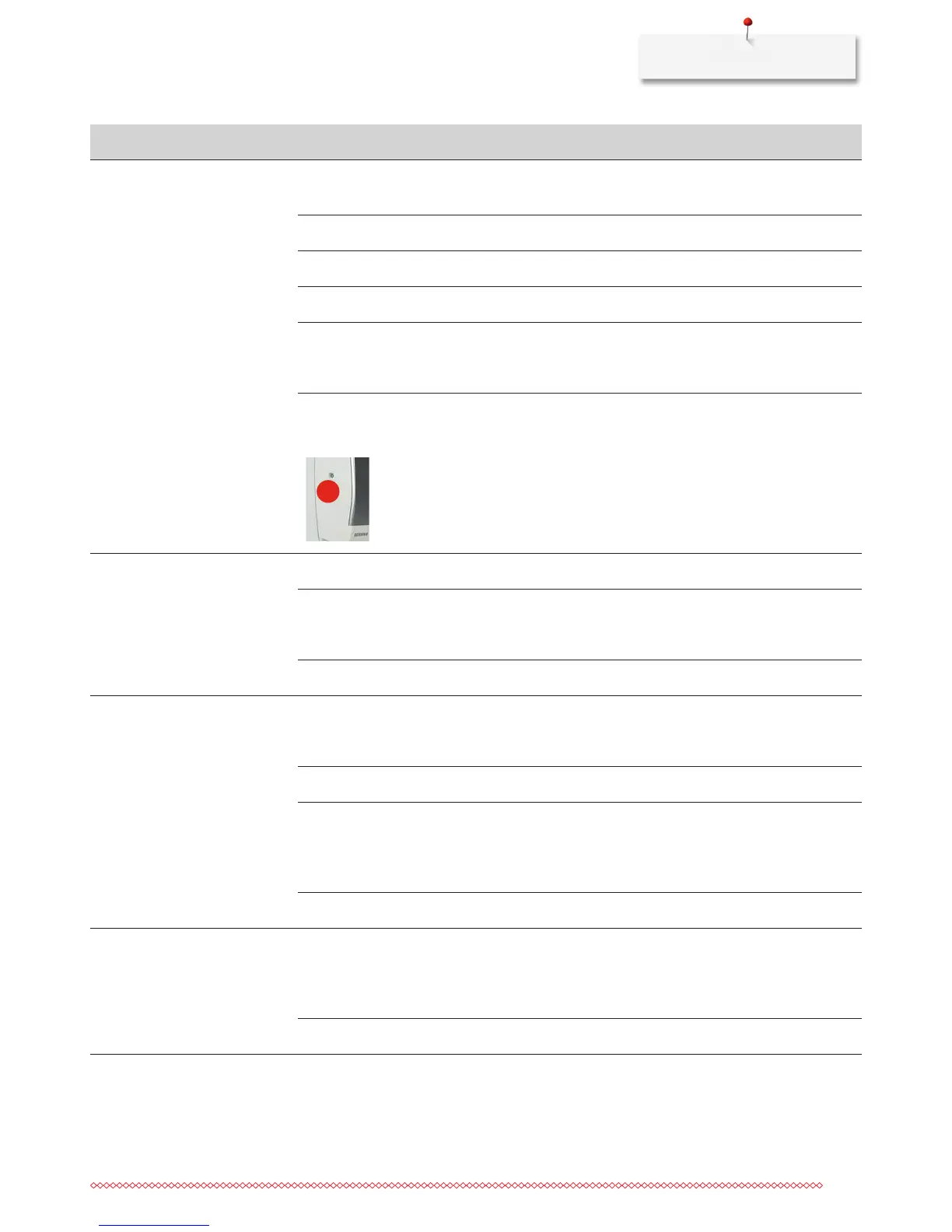
1
> Remove the screw (1) on the headframe with the
angular Torx wrench.
> Pull the headframe at the bottom slighty forward.
> Flip the headframe upwards a bit and remove it.
> Remove the thread remnants.
> Attach the headframe and tighten the screw.
Lower thread breaks The bobbin case is damaged.
> Replace the bobbin case.
The stitch hole in the stitch plate
is damaged.
> Contact the nearest specialized BERNINA dealer to have
the damages repaired.
> Replace the stitch plate.
Needle blunt or bent.
> Replace the needle.
Needle breaks The needle is incorrectly inserted.
> Insert the needle with the flat side to the back as far up
as it will go into the needle holder and tighten the
screw.
The fabric has been pulled.
> Feed the fabric evenly.
Thick fabric has been pushed.
> Use the appropriate presser foot, e.g. Jeans foot No. 8
for thick material.
> Use the height compensating tool when sewing over a
thick seam.
Knotted thread.
> Use quality thread.
Display is inactive Incorrect calibrating data.
> Switch the machine off.
> Switch the machine on and at the same time push
button «Needle left/right» and keep it pressed.
> Calibrating the display.
The eco-function is active.
> Touch the icon «eco» again.



 To Next Page