Attachment
204
Message on the display Cause Repair
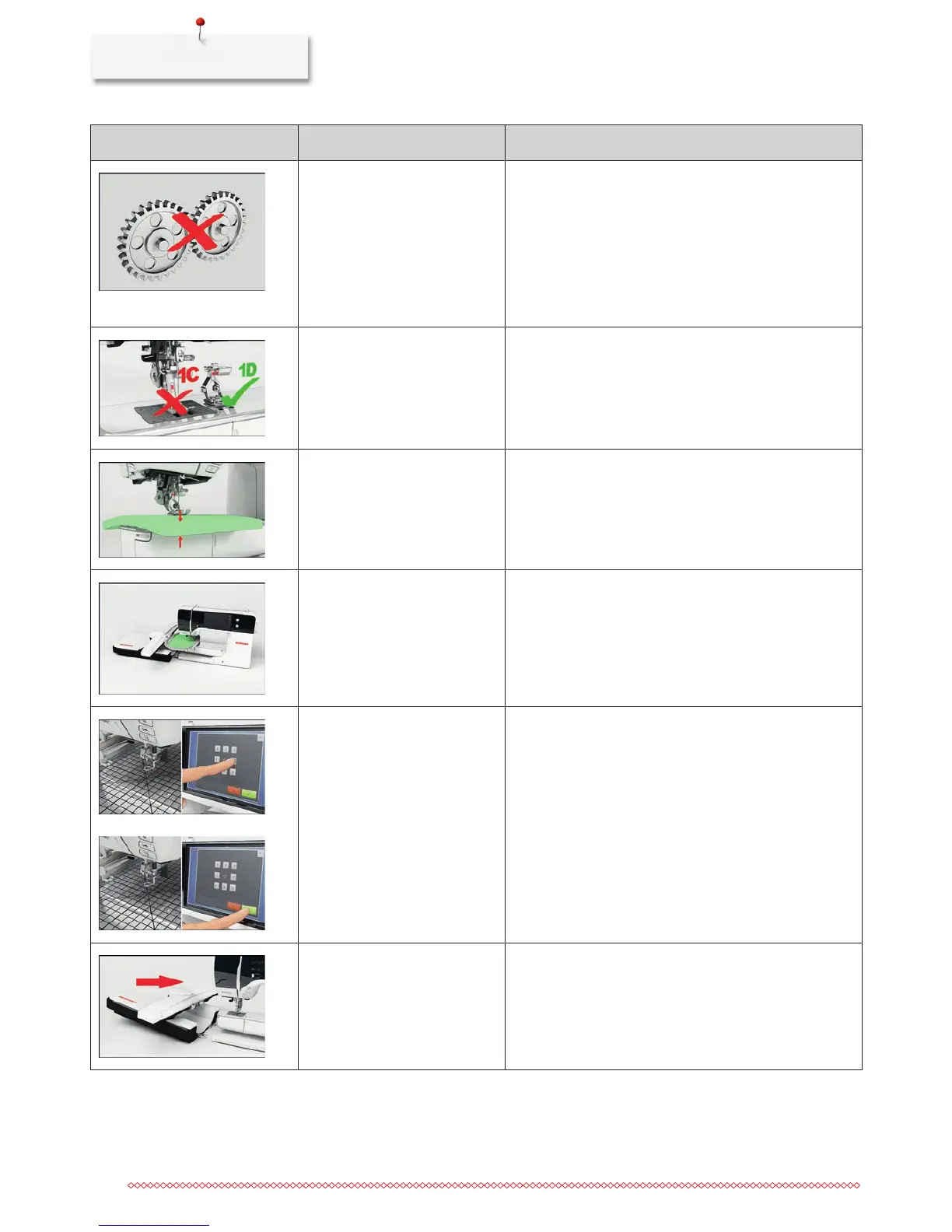
Themainmotorisn'trunning.
> Turn the handwheel clockwise until the needle is at its
top position.
> Remove the stitch plate.
> Remove the thread remnants.
> Clean the hook.
> Remove the hook and make sure that there are no
pieces of broken neelde points on the magnetic back of
the hook.
Incorrect presser foot for the
BERNINA Dual Transport.
> Attach a presser foot having the designation D.
The fabric under the presser foot
is too thick.
> Reduce the fabric thickness.
The contact between the
machine and the embroidery
module is interrupted due to
vibrations.
> Make sure that the module and the machine are
standing on a stable, even surface.
> Connect the embroidery modul to the machine.
Theneedlepositiondoesn't
correspond with the center of the
hoop.
> Calibrate the hoop.
The embroidery module is not
attached.
> Connect the embroidery modul to the machine.
> Contact the specialized BERNINA dealer to have the
machine checked.



 To Next Page