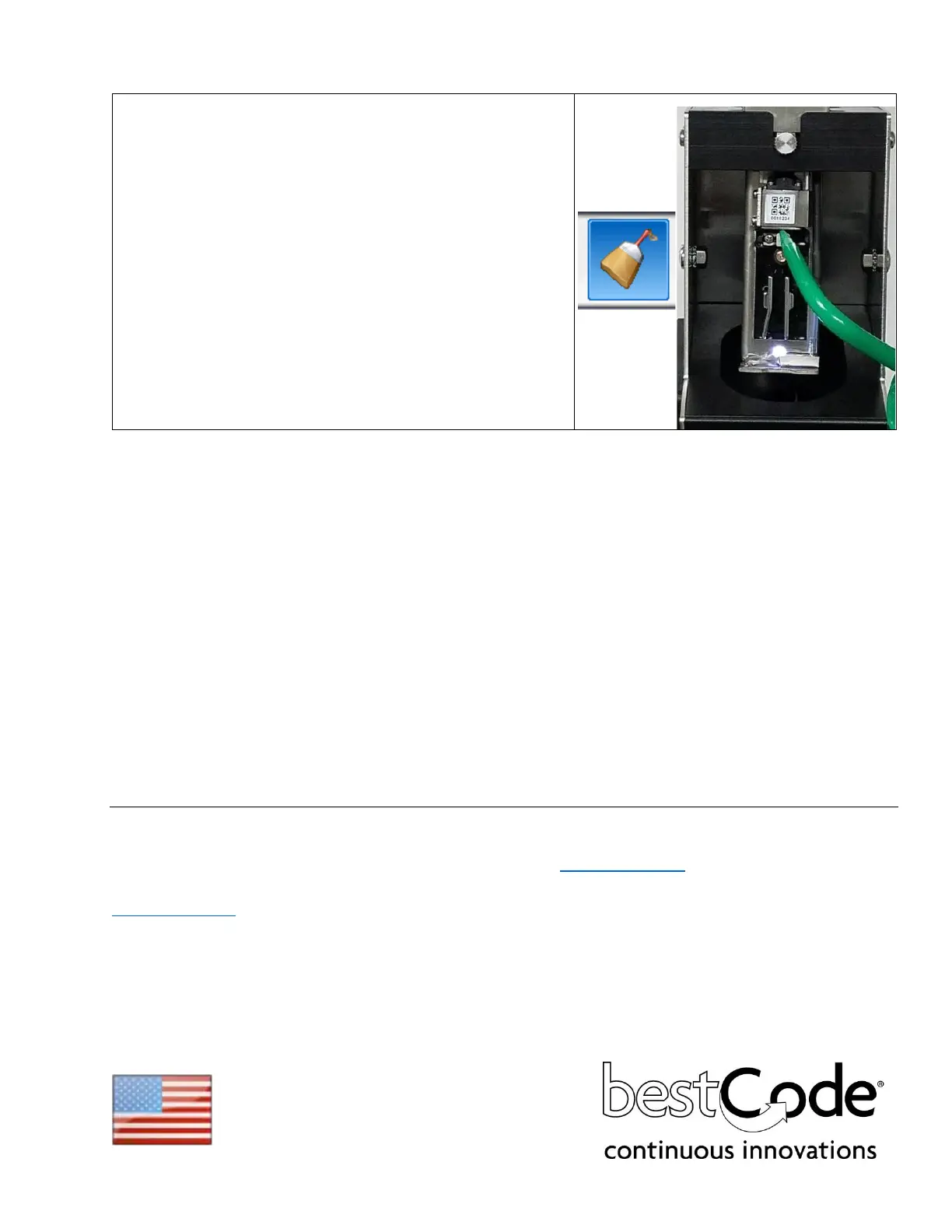
1. Place the Printhead into the Printhead Clean Station
(P/N 40-0020-01)
2. Press the Back Flush button (Service screen OR Clean
screen).
3. Using the cleaner for the ink type of the machine,
immediately spray makeup directly onto the nozzle plate
for 10 seconds. (50-100ml of cleaner).
4. Focus on cleaning the Drop Generator Nozzle, Phase
Detector, Charge Electrode Slot, High Voltage Plates,
Gutter, and Print Slot.
5. Allow the head to completely dry before starting the jet.
BestCode Information
3034 SE Loop 820 Phone: (+1) 817-349-8555 For product questions email:
Fort Worth TX Fax: 817-349-8480 info@bestcode.co
76140 USA
www.bestcode.co
BestCode product and fluids are available through distribution around the globe.
Contact your local BestCode distributor for ordering information.
Made in the USA



 To Previous Page