1> :Limiter setup
2> LF cutting setup:
9
LF FILTER
50HZ
25HZ
5HZ
+1
-2
-3
-4
-5
-6
0dB
-1
20 30 40 50
60
80
100
200 300 400
500
Hz
15
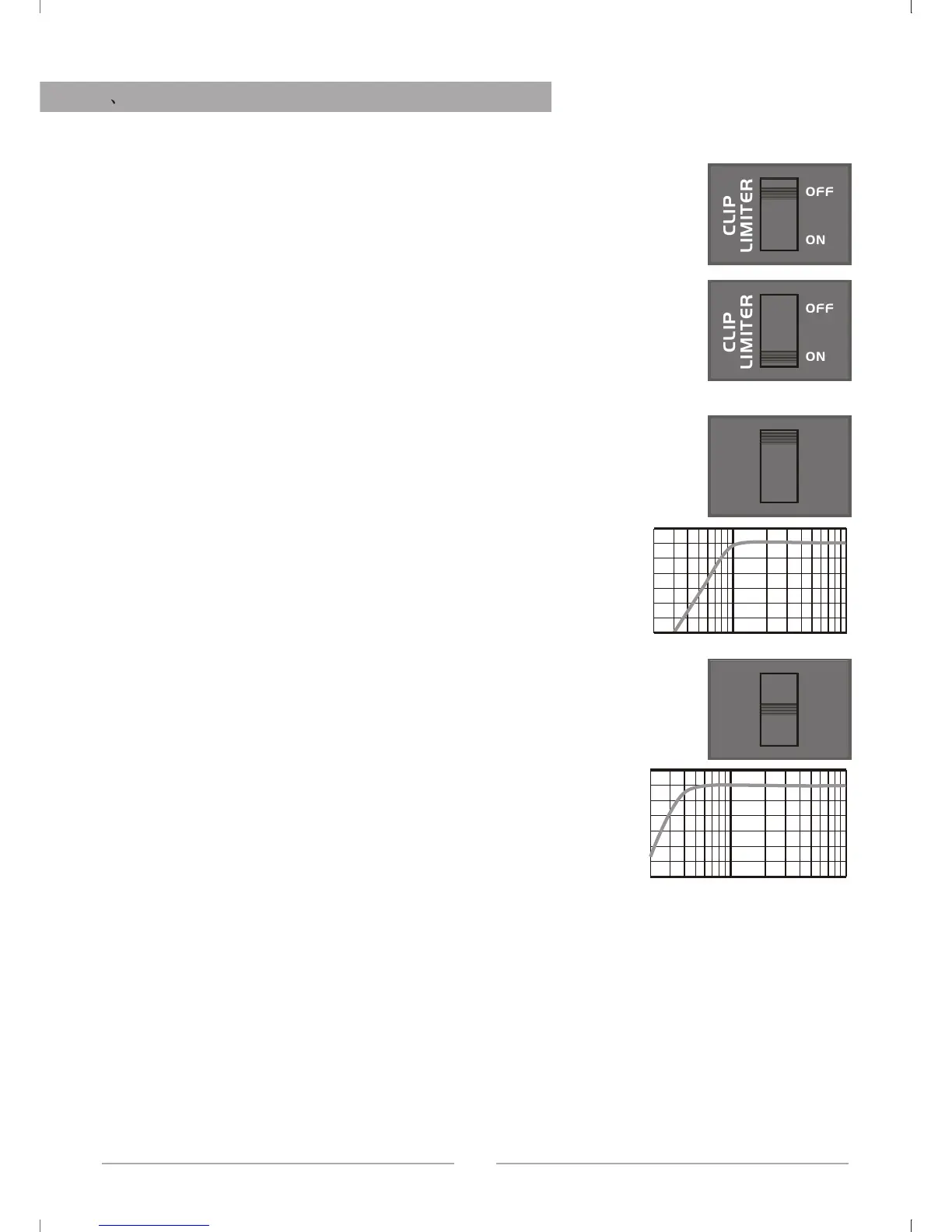
As the below drawing, when switch is OFF, the limit is off,
the limit circuit is out of work, if input signal is too strong,
output can cause clip distortion and also raise overload on
loudspeaker
As the below drawing, when the switch is ON, the limit is
on, if the input signal is too strong, the limit circuit can
control the gain and reduce the distortion, also control the
average output power, but it does not affect peak power,
protect the loudspeaker and assure the dynamic of music.
Note: Please set to "ON" position when using.
When LF cutting is at 50Hz,it equals discrete a 50Hz
high pass filter on input, the signal lower than 50Hz will
be accordingly attenuated, then can reduce the
noneffective swing and lower the distortion.
Like the right drawing:
When LF cutting is at 25Hz, it equals discrete a 25Hz
high pass filter on input circuit, it just attenuate the signal
lower than 25Hz.
Like the right drawing:
FUNCTION SETUP AND CABLE CONNECTING
LF FILTER
50HZ
25HZ
5HZ
+1
-2
-3
-4
-5
-6
0dB
-1
20 30 40 50
60
80
100
200 300 400
500
Hz
CLIP
LIMITER
OFF
ON
CLIP
LIMITER
OFF
ON


 To Next Page