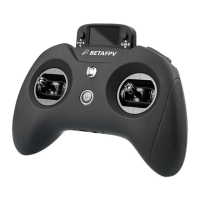
6. HID Joystick
When LiteRadio 3 Pro connected to PC, it can be used as a USB gamepad and
practice model simulators. Specic steps:
● Turn on the radio transmitter;
● Connect the transmitter to the computer via USB data cable. The LED indicator
will turn green when the radio transmitter is fully charged, and turns red when it is
out of power;
● The prompt of the radio transmitter will be popped up, please kindly choose"USB
Joystick (HID)";
● The PC will automatically install the driver. After the driver is installed
successfully, a prompt will be popped up, indicating that the computer has
successfully recognized the radio transmitter and can use it normally.
Users need to manually install a driver if the PC doesn’t install automatically or is
installed incorrectly.
Note: When the remote is turned o and connected to the computer, there is no
signal output from the USB po, and the Joystick function cannot be used.
10
Type-C Data Cable
FPV Simulator
BETAFPV LiteRadio3 Pro Joystick
Other devices


 To Next Page
 Loading...