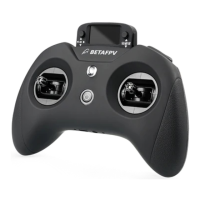
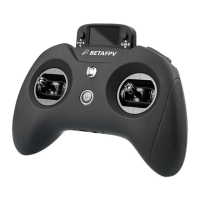
4. Gimbal Calibration
First step: Enter calibration mode.
07
Sticks
Rud
Ele
Thr
Ail
3POS
Switches
SA
---
---
---
---
---
HARDWARE
6/7
[Calibration]
Move the right button to the left, enter
setting mode and select "Calibration" for
Gimbal Calibration
CALIBRATION
[ENTER] TO START
SET STICKS MIDPOINT
Move the right button back to the center,
enter the next step
CALIBRATION
[ENTER] TO START
The two cursors on the screen indicate
the gimbal position
Second Step: Complete the calibration with prompts.


 To Next Page
 Loading...