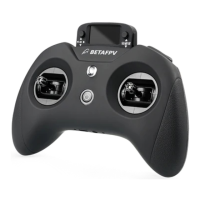
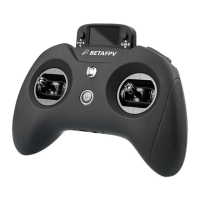
Note: Do not use too much force during the calibration process, so as not to affect the
calibration accuracy, please move the joystick slightly during the calibration process.
08
Third Steps: Exit calibration mode.
CALIBRATION
[ENTER] TO START
MOVE STICKS/POTS
Move your gimbal stick to the
Top/Bottom/Left/Right maximum position
and stay for 1-2 seconds, then conrm
to end calibration
CALIBRATION
[ENTER] TO START
When the calibration is completed, the screen
will enter the "Calibration" page again, and press
the left 5D button to exit the calibration page


 To Next Page
 Loading...