9
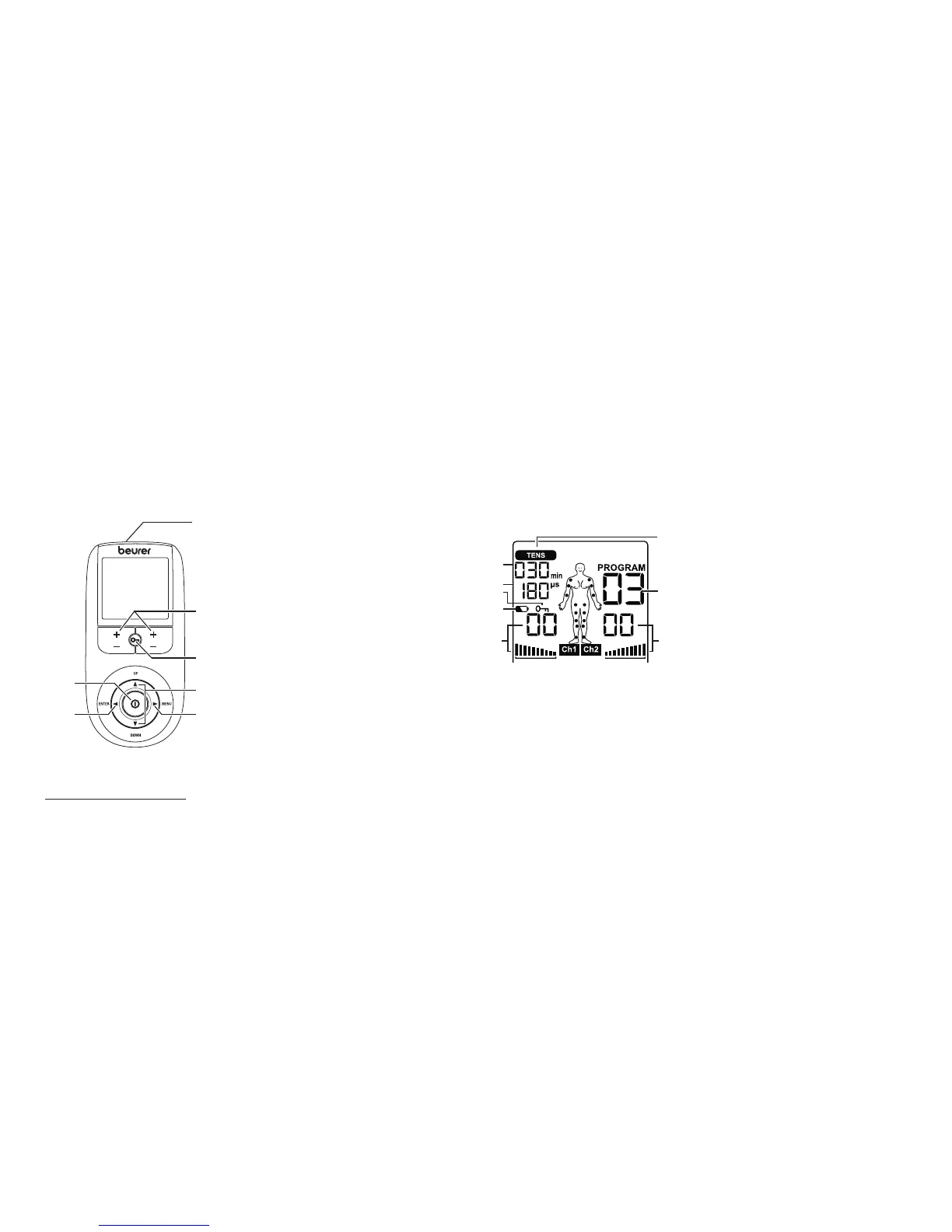
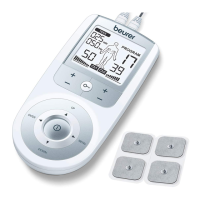
6. Parts and Controls
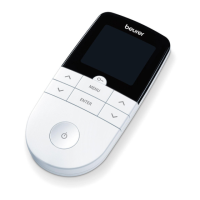
Buttons:
1 ON/OFF button
2 ENTER button
3 Intensity setting buttons (Ch1 +/- left, Ch2 +/- right)
4 Keylock
5 Selection button UP and DOWN
6 MENU button
7 Sockets for electrodes
Display (full screen):
1 Menu TENS
2 Program number
3 Impulse intensity channel 2
4 Impulse intensity channel 1
5 Low battery
6 Keylock
7 Frequency display (Hz), pulse width (μs) or pause time
8 Timer function (remaining time display) or working time
2
1
3
4
5
6
Button functions
Each time you press a button, the unit beeps to notify you. This beeping cannot be switched o.
ON/OFF
(1) Press briefly to switch the device on.
(2) Press once to interrupt stimulation treatment.
(3) Press and hold to switch o the device (approx. 2 seconds).


 To Next Page