Beurer GL40 mmol/L 17
4.2 Basic settings
1 Remove the batteries and then reinsert them. A beep sounds.
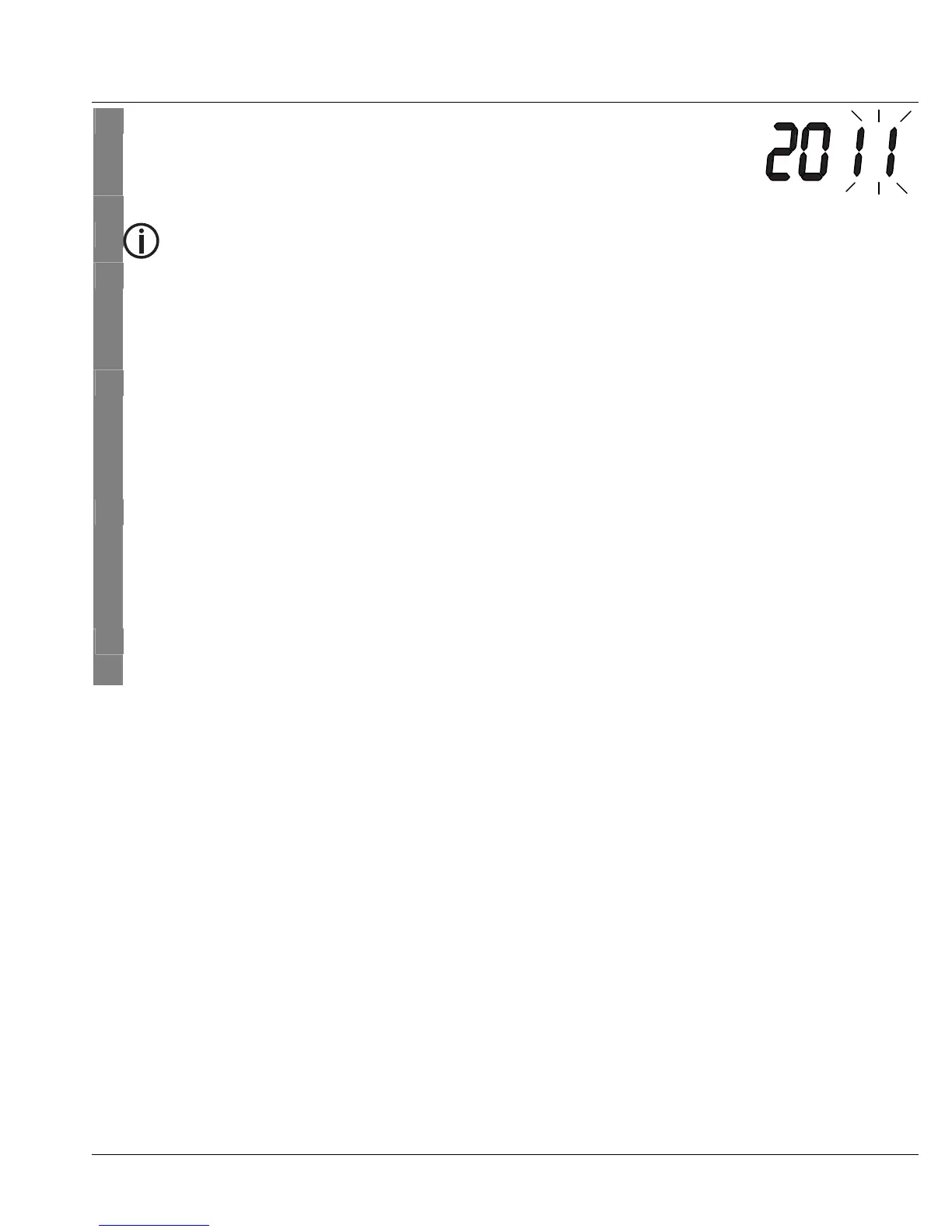
The year display flashes.
2 Setting the date and time.
Note
• You must set the date and time. Only if you do that can you sa-
ve your measured values correctly with the date and time and
later retrieve them.
• The time is displayed in 24-hour format.
Set the year (calendar extends to 2099) by pressing the S or T but-
ton. Confirm via the ON/OFF button [3].
The day display flashes.
Repeat the above procedure for the day, month, hours and minutes.
"On" and the speaker symbol are displayed.
3 Turning the beep on/off
To turn off the beep, press the S or T button. "OFF" is displayed.
The speaker symbol disappears from the display.
Confirm via the ON/OFF button [3].
4 The measuring device switches off automatically.



 To Next Page