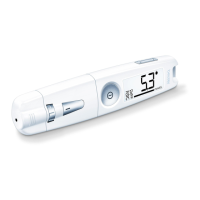
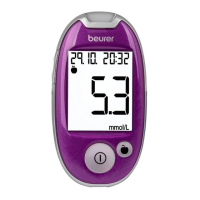
30 Beurer GL40 mmol/L
Transferring your measurement data
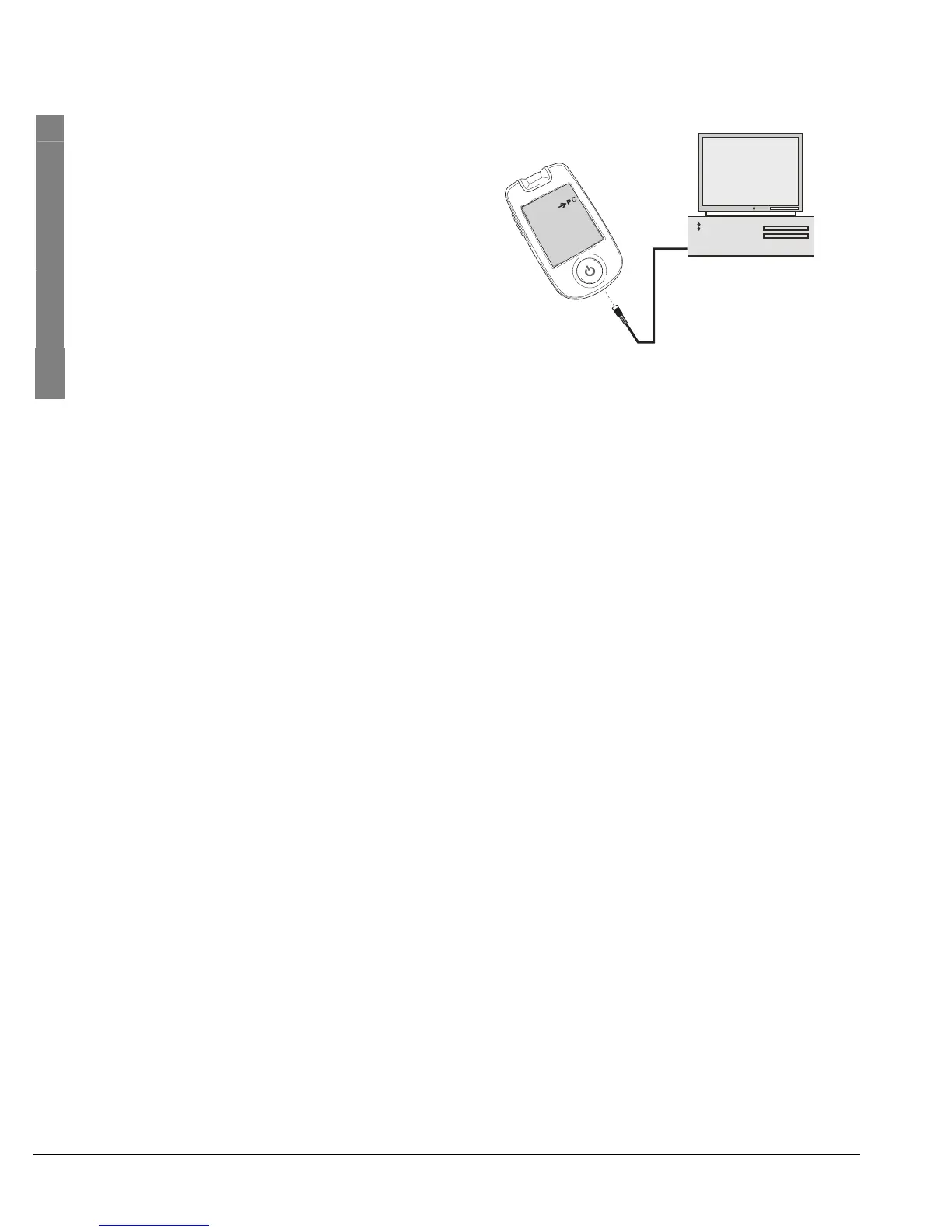
1 The measuring device must be switched off.
Insert the larger, flat USB connector of the
connection cable into a USB port on your
computer. Insert the mini USB connector into
the computer interface port on your measur-
ing device.
2 "-> PC" appears in the display of the measur-
ing device. The measuring device is now
ready for data transfer.
3 Follow the transferring and evaluating information in the software and in the instruc-
tions for the Beurer PC Kit.



 To Next Page