22
4. DEVICE DESCRIPTION
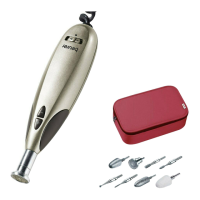
The corresponding drawings are shown on page 3.
1
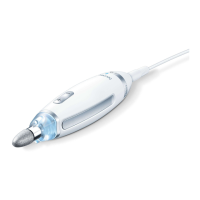
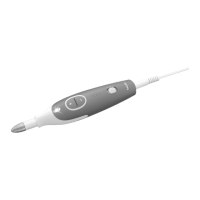
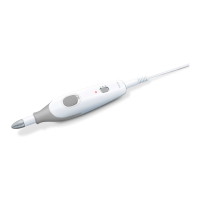
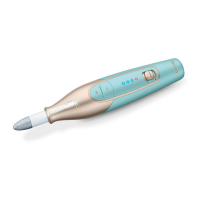
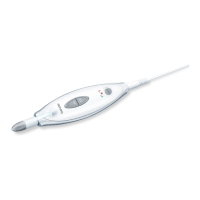
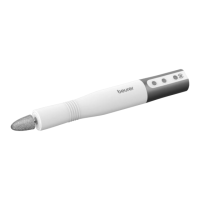
Manicure/pedicure device
8
Sapphire cone, coarse
2
ON/OFF button
9
Felt cone
3
+/- speed regulation
10
Attachment for using the
sandpaper attachments
4
LED status display
Blue = ready for use
Red = anti-clockwise rotation
Green = clockwise rotation
11
Single-use attachments
made of sandpaper
5
USB-C connection
12
Flame-shape cutter
6
Sapphire wheel, fine
13
Sapphire cutter, round
7
Sapphire cone, fine
5. USAGE
1. Connect the USB-C connection
5
to the supplied USB-C cable and
the mains adapter.
2. Continuous blue illumination of the LED status display
4
means that
the device is ready for operation.
Before using the device, please do not carry out pre-treatment
in a water bath, as the callus attachments are less eective on
soaked or wet skin.
3. Make sure that the device is switched o.
4.
Select the desired attachment part and carefully press it onto the axle
of the device. To remove, pull apart the attachment and the device in
opposing directions.
5.
Switch the device on by pressing the ON/OFF button
2
. You can
change the direction of rotation by briefly pressing the ON/OFF but-
ton
2
again (anti-clockwise rotation red / clockwise rotation green).
If you press and hold the ON/OFF button
2
, the device switches o.


 To Next Page