3
•
Only operate the device with the power adapter provided and with the voltage specified on the
adapter.
•
The connector socket must be near the installation location of the WL90 and be easily accessible.
•
Do not immerse the unit into water and do not use it in wet rooms such as a bathroom, laundry
room, or pool area.
•
Keep children away from packaging materials (risk of suffocation).
•
Do not cover or store the unit while it is warm.
•
Always unplug the power adapter and allow the unit to cool down before touching it.
•
Do not touch the unit with wet hands while it is plugged in; do not allow any water to be sprayed
onto the unit. Operate only when the unit is completely dry.
•
Ensure that you only insert and remove the power adapter with dry hands and that you only press
the buttons with dry hands.
•
Keep the power cord away from heated objects and flames.
•
Protect the unit from strong impacts.
•
Do not disconnect the power adapter from the electrical outlet by pulling on the cord.
•
This product has no user-serviceable parts; return the product to customer service for any repair
or replacement.
2. Introduction
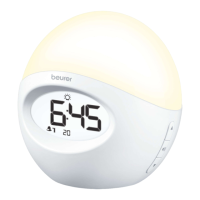
The Beurer WL90 Wake-up Light wakes you up in gentle and natural manner. The LED light gradually
becomes brighter like a rising sun, allowing you to slowly adjust to the light conditions and your body to
prepare itself for waking up. You can also set an alarm that follows the simulated sunrise. For the alarm tone,
you can choose between the radio and various sounds. You can also control all device functions from your
smartphone using the “Beurer LightUp” app.
Functions:
• C
ontrol of the device functions via smartphone with the “Beurer LightUp” app
• S
imulated Sunrise (Wake-up Light slowly dims over a period of time)
• L
ight function (white light/reading lamp)
• M
ood light with individual color setting (choice of 10 different settings)
• C
lock
• B
luetooth® speaker
• F
M radio
• A
larm via radio or sounds
• S
leep function (light shuts off after a preset time)
3. Contents
• W
L90 Wake-Up Light
• I
nstruction Manual
• Q
uick Start Guide
• A
C Adapter
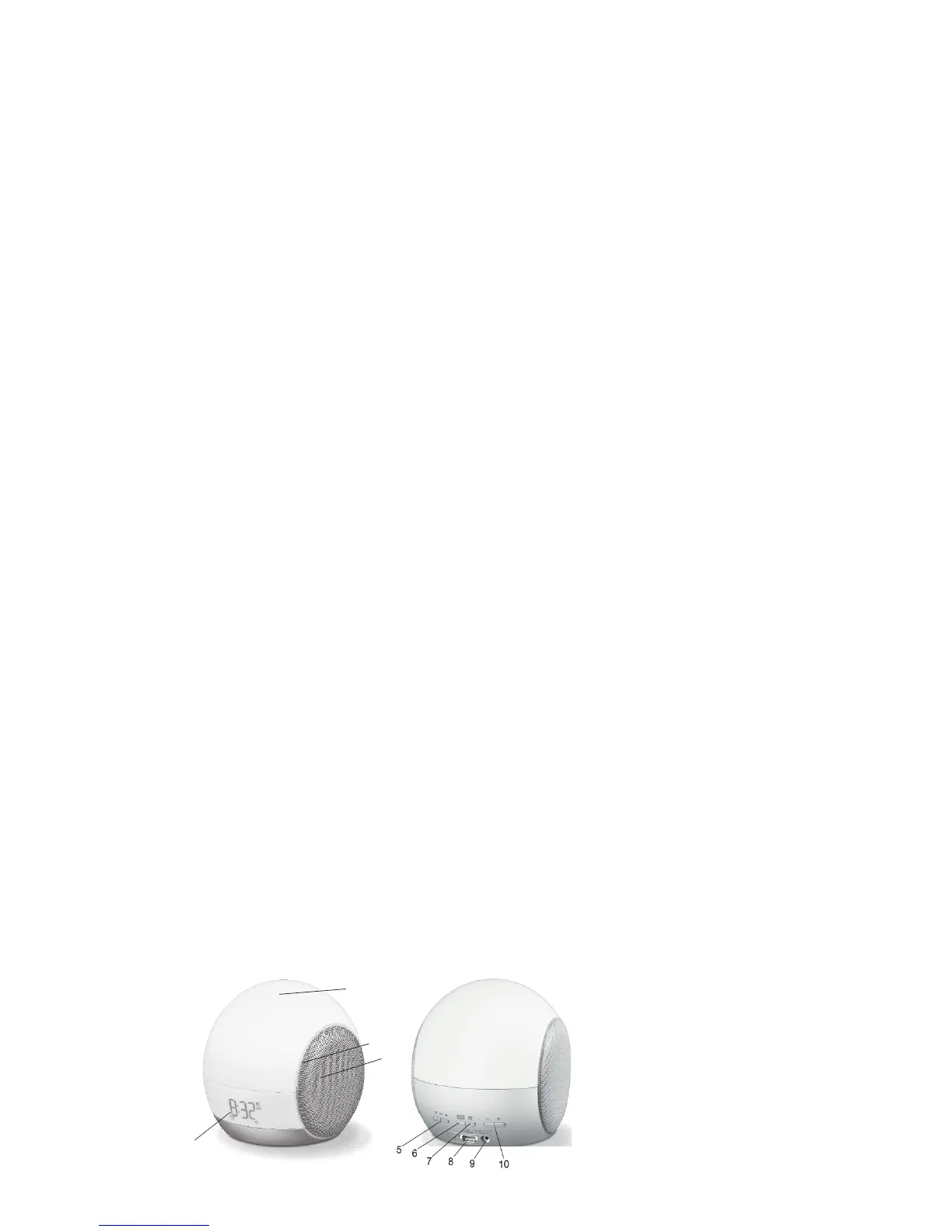
4. Parts and Controls
1
2
3
4


 To Next Page