MCS-D 3643 – Installation
26
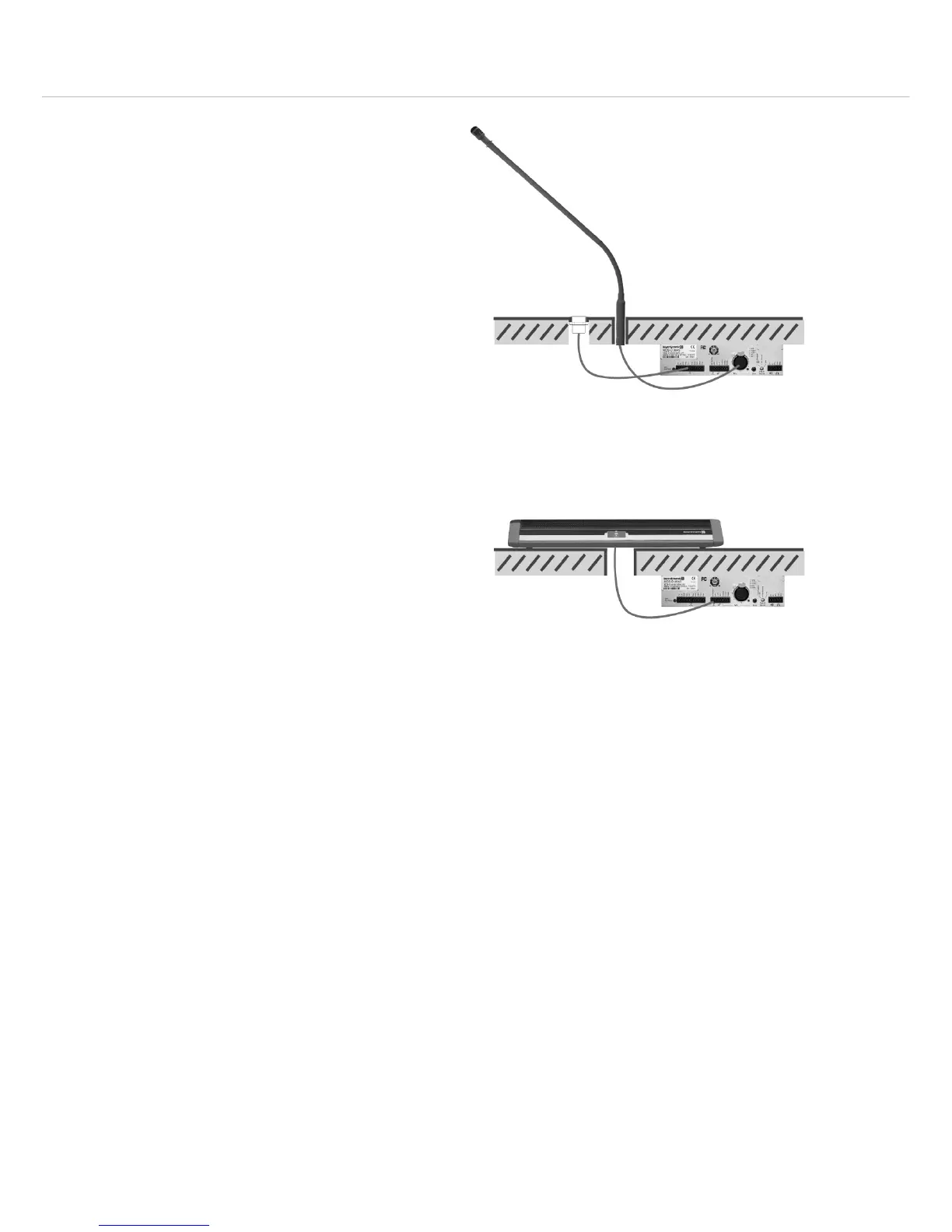
Installation with a gooseneck microphone
• Provide appropriate holes for the button, microphone
and loudspeaker in the tabletop.
• Mount the system unit with the mounting brackets
and appropriate screws under the tabletop. Make
sure that the system unit is even with the table edge.
• Connect the button to the “Mic Button” connection
of the terminal strip.
• Connect the gooseneck microphone to the 5-pin XLR
connection.
Installation with MPR 211 microphone
• Provide an appropriate hole for the connection of the
MPR 211 in the tabletop.
• Mount the system unit with the mounting brackets
and appropriate screws under the tabletop. Make
sure that the system unit is even with the table edge.
• Connect the connecting cable of the MPR 211 to the
7-pin terminal strip.
• In this way the MPR 211 microphone becomes an
additional conference microphone unit.
• For the pin assignment please refer to the chapter
3. “Connections, controls and indicators”.
• Please observe the position of the switches at the
bottom of the MPR 211 (if necessary, please refer also
to the separate manual for the MPR 211):
– Set switch to select the basic function to “External
Logic”
– Set switch to select the operating mode to
“ON/OFF”
– Set switch to select the output level to “Low”












 To Next Page