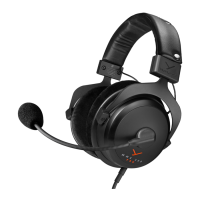
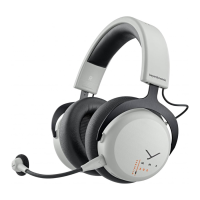
5MMX 100
EN
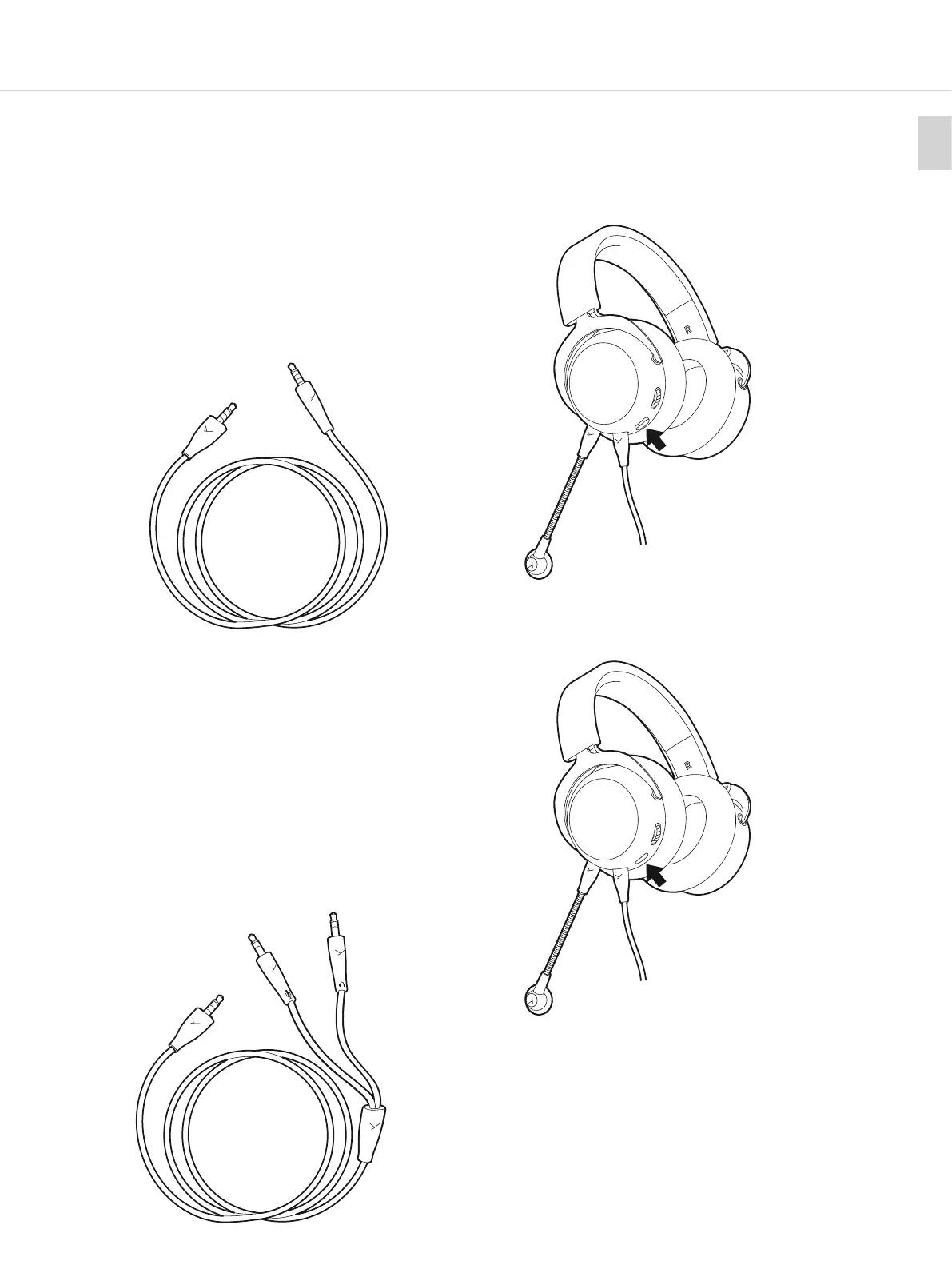
CONNECTING CABLE WITH 4POLE JACK
u
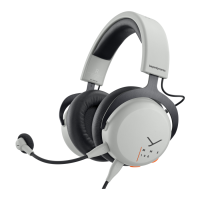
Connect the flat 5-pole jack to the headset and the
round 4-pole jack to your device such as console
controllers, external soundcards, notebooks,
tablets etc.
u
For devices with 1/4" jack (6.35 mm), please use a third-
pay adapter. Make sure that it is a 4-pole adapter, as
the microphone will not work with a 3-pole 1/4" (6.35 mm)
TRS adapter.
u Caution: Connect the round 4-pole jack connector of
the cable to a headphone socket only!
If you connect the headset to any other jack socket, the
headset could be damaged.
Connect to
headset
Connect to
device
CONNECTING CABLE WITH
TWO 3POLE JACKS
u
Connect the flat 5-pole jack to the headset and the
two round 3-pole jack connectors to a headphone
output and microphone input of a PC or notebook,
which have a mini combination jack (3.5 mm).
u
For devices with 1/4" jack (6.35 mm), please use one of
ours or a third-pay adapter.
u Caution: Connect the round 3-pole jack connectors of
the cable to a headphone and microphone socket only!
If you connect the headset to any other jack sockets,
the headset could be damaged.
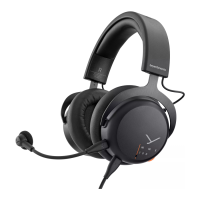
MUTE AND UNMUTE THE MICROPHONE
u Press the button to mute or unmute the microphone.
u When muted the button icks outward.
u When unmuted the button is inward.
Connect to device
Microphone
Headphone
Connect to
headset
Mute
activated.
Mute
deactivated.


 To Next Page