11
english
10
PRODUCT INFORMATION MMX 2
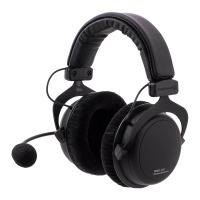
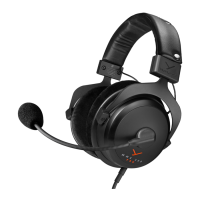
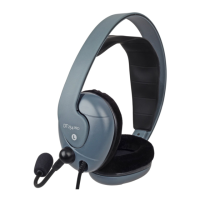
Thank you for selecting the MMX 2 headset. Please take some
time to read carefully through this product information before using
the headset.
Safety Information
When you connect your headset, please make sure that the
volume control is set at minimum and is adjusted after it has been
put on. It is a common phenomenon to listen to music through
headphones at high levels.
The very low levels of distortion present within the headphone can
make the listening levels higher than is perceived and we would
like to warn you of this so that you are able to enjoy the sound
from this headphone for many years without damaging your ears.
Applications
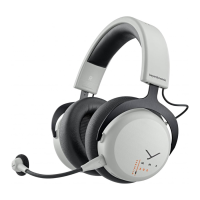
The MMX 2 headset is ideal for gaming and multimedia applications
and provides a unique sound. The noise-cancelling microphone
ensures a clear and precise voice transmission even in noisy
surroundings. The microphone can be muted and the volume can
easily be controlled via the supplied USB converter.
Connection
The MMX 2 provides two mini jack plugs (3.5 mm). You can
directly connect the microphone and headphone cables to the
appropriate sockets of your PC or to the supplied USB converter
which is connected to the USB port of your PC.
Headphone Microphone
Setting up and Use of the Headset
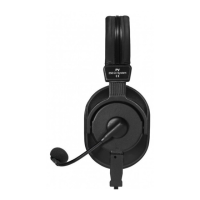
Put the headset on your head. The microphone is on the left side.
Position the microphone to the side of the mouth.
Important: Turn the microphone holder (not the gooseneck!). In
order to avoid overstretching and premature wear and tear never
bend the gooseneck more than 90°. In order to avoid pop noise
you should use the microphone with a pop shield.
Warning:
Avoid disconnecting the USB converter during recording or
playback, as the currently open program or the PC system could
crash.
If you want to disconnect the headset after the recording or
playback, you can simply disconnect the headset from the USB
converter or the USB converter from the PC.
Setting up and Use of the USB Converter
The supplied USB converter provides a USB plug and can easily be
connected to the USB port of any PC or laptop operating with one
of the following operating systems.
PC: Windows
®
98 SE (Second Edition)
Windows
®
ME
Windows
®
2000
Windows
®
XP
Windows
®
Vista
Apple: MAC OS 9
MAC OS X
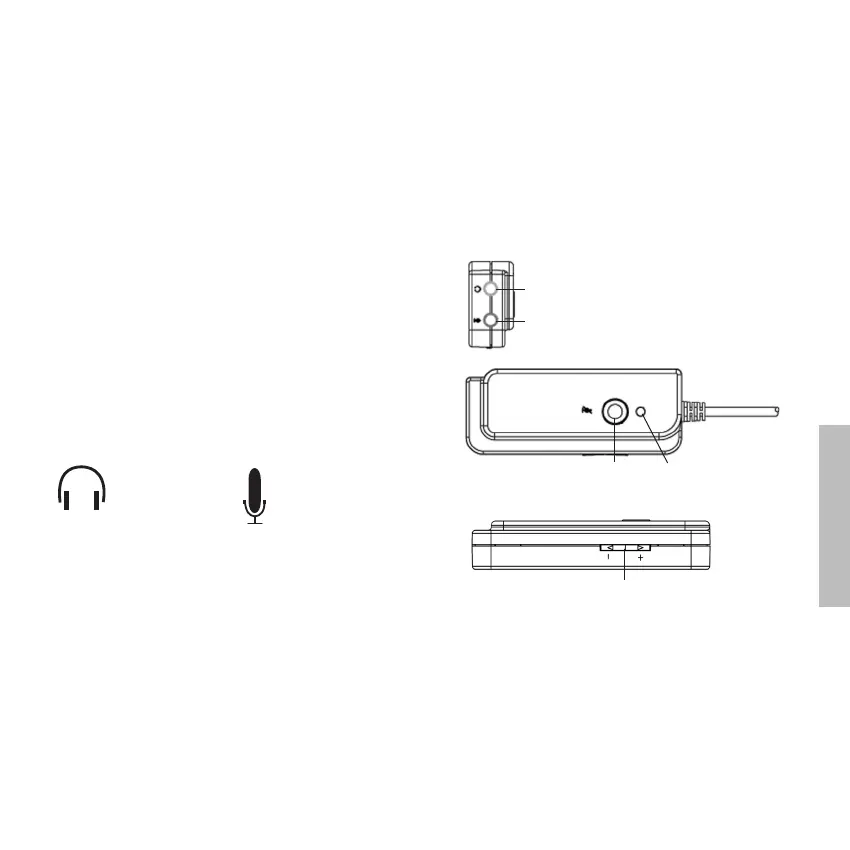
Controls and Indicators of the USB Converter
Installation of the USB Converter
When connecting the USB converter to the PC for the first time,
an installation process is carried out. Depending on the operating
system the installation process is carried out automatically or with
an installation CD.
Windows
®
ME, 2000, XP, Vista
The installation is carried out automatically.
Windows
®
98 SE
The installation is carried out with the Windows
®
98 SE installation
CD. A message to insert the Windows
®
98 SE installation CD will
be displayed on the screen. During the installation process follow
the instructions displayed on the screen.
Mute button LED
Volume control
Headphone socket
Microphone socket


 To Next Page