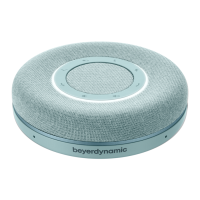
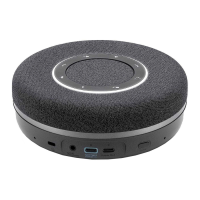
Phonum speaker phone
10
2. Cardioid mode
The selected cardioid characteristic is indicated by flashing lines to the right and
left of the symbol.
3. Spherical mode
The selected spherical characteristic is indicated by all lines lighting up between
the individual symbols.
9. Charging
As soon as the battery indicator lights up, the built-in battery still has a capacity of ap-
proximately 10%. You should charge the integrated battery at the latest when the battery in-
dicator begins to flash rapidly, because then it is almost empty.
• To charge the device, connect it to either a USB power adapter or to a PC/laptop through
the USB port using a USB cable.
To charge Phonum, we recommend connecting it to a USB power adapter.
If you connect the device to a PC/laptop to charge it, you can use it at the same time while
charging.
• The battery indicator flashes slowly to indicate that the device is charging.
Once the battery is fully charged, the battery indicator goes off.



 To Next Page