english
Phonum speaker phone
9
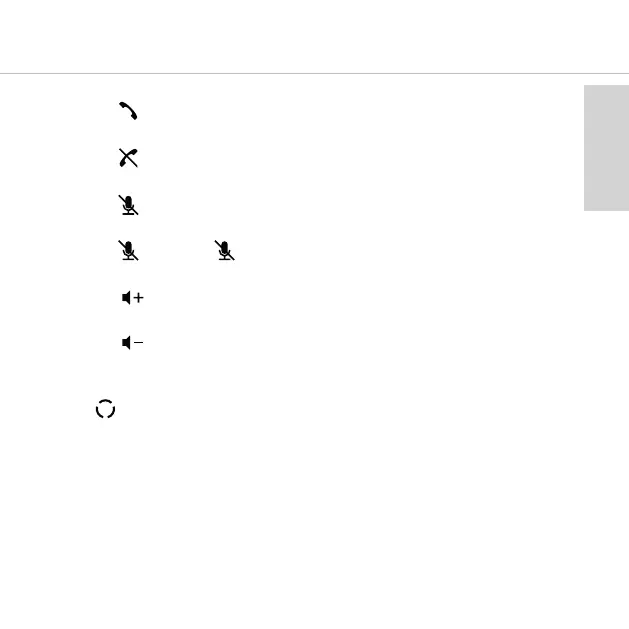
• Accept call
Press the button. The button lights up green as soon as you speak into the microphone.
• End call
Press the button. The button lights up red as soon as you speak into the microphone.
Muting the microphone
• Press the button. The lines between the individual symbols flash slowly.
Activating the microphone
• Press the button. The button lights up.
Increase volume
• Press the button.
Decrease Volume
• Press the button.
8. Changing the microphone mode
With the button you can choose between three microphone modes. You can recognise the
selected microphone mode from the illuminated lines between the symbols.
1. Beamforming mode (factory setting)
In this mode, the microphone automatically adjusts itself to the speaker.
This is indicated by the lines that light up at the point where you are speaking into
the microphone.



 To Next Page