14/20
Adjuing the volume
Increasing/decreasing the volume:
► In ages: briefly press the
/ button.
► Continuously: hold down the / button.
A signal tone sounds when the maximum/minimum volume is reached.
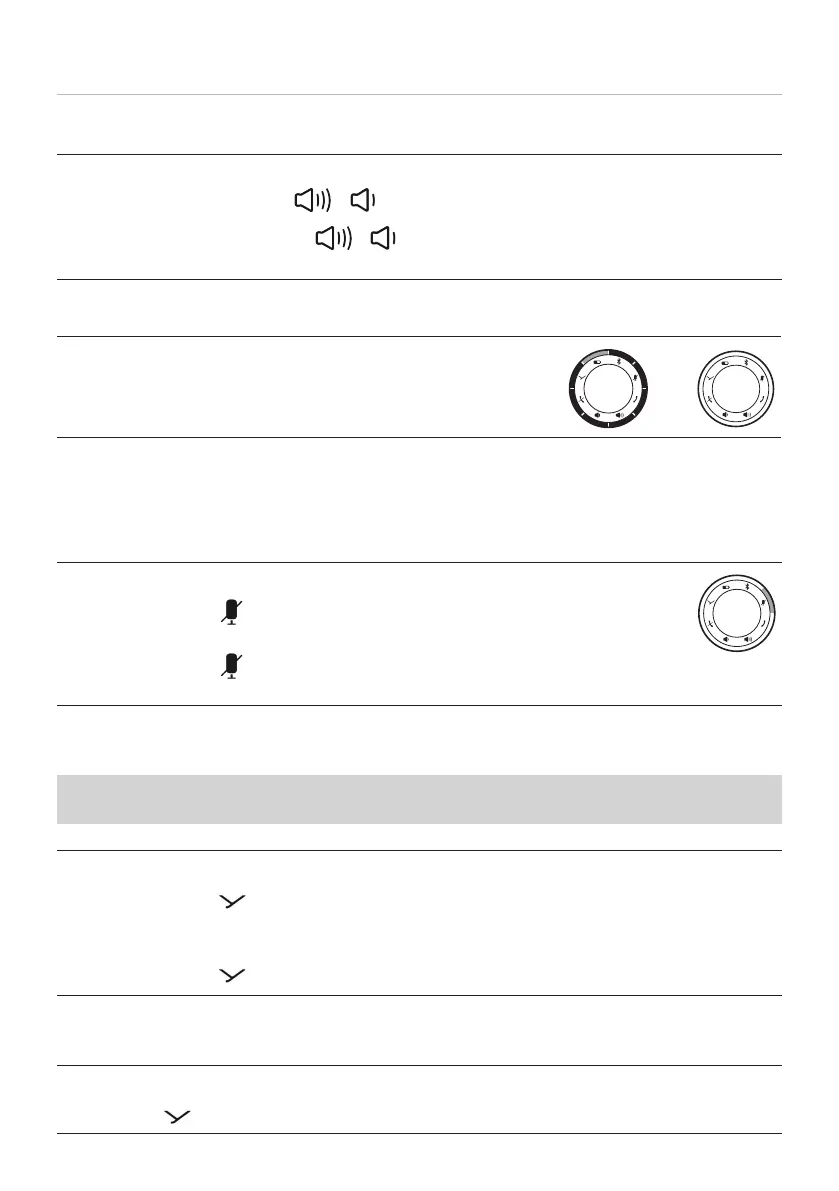
LED display for volume setting:
White: zero*–full volume**
–
*) At a volume close to zero, all LEDs except one (lit 50%) are o.
**) At full volume, all LEDs are on (ring illuminated white).
Setting the mute function
Switching mute on/o:
► Briefly press the
button.
Icon is a steady red when mute.
► Briefly press the button again.
Mute is cancelled.
Playing media
The functions described depend on the playback device and playback device soware
and may not be available.
Staing / pausing playback:
► Briefly press the
button once.
Playing the next / previous track:
► Briefly press the
button twice / three times.
Calling up the personal assiant
Calling up the personal assiant on your smaphone or tablet:
► Press the
button for 1 to 3s.



 To Next Page