english
Xelento wireless – In-Ear Headphones
15
• Select “beyerdynamic Xelento wireless” under the
available devices in the Bluetooth
®
menu of your player
and pair both devices. When in range, both devices are
paired automatically each time you turn them on.
Alternatively, you can pair the Xelento wireless with an NFC-
enabled player via NFC. Please note that the Xelento wireless
mu be turned on.
• Activate the NFC function in your player so that all
necessary information can be transferred to the player
and pairing can be eablished.
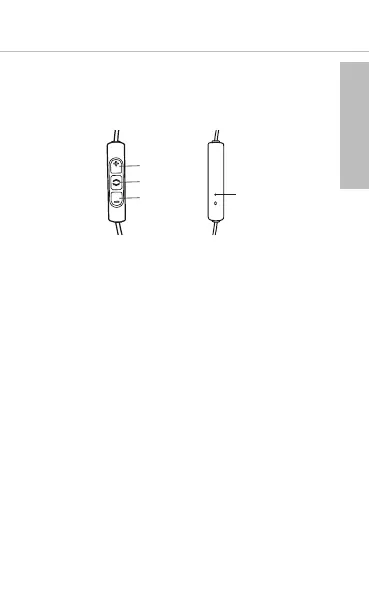
• Hold the player closely over the rear of the remote control
of the Xelento wireless.
• Now both devices will automatically be paired.
Pairing and clearing the li of players
If there are already several players in the li of your Xelento
wireless and your Xelento wireless cannot be paired with
another new player, the li is full and should be cleared so
that the new player can be added.
This is how to clear the li:
• Hold down the button of the turned o Xelento wireless
for more than 10 seconds, so that the Xelento wireless will
switch into the pairing mode and clear the li of players
simultaneously.















 To Next Page