3/72
Adjuing the volume
High volumes and long liening
times can permanently damage
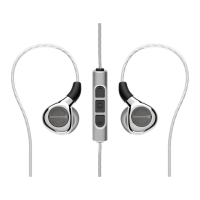
your hearing. Because in-ear
headphones sit directly in the ear
canal, there is an increased risk of hearing
damage.
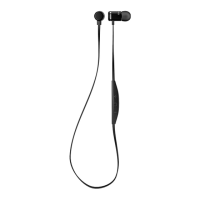
► Before inseing the earphones, set the
volume to minimum.
Only increase the volume aer inseing
the earphones.
► Do not use the in-ear headphones at high
volume for a long time. When liening
and speaking normally with in-ear
headphones, your own voice should ill
be perceptible.
► In case of tinnitus, decrease the volume. If
necessary, consult a doctor.
► We would like to point out that excessively
high volumes and long liening times
may cause hearing damage. Hearing
impairments are irreversible, so always
ensure an adequate volume level. It is
advisable to keep liening times at high
volumes as sho as possible.
► The headphones are not suitable for
children under 12 years of age due to the
possible high sound pressure level.
► Do not use the headphones at full volume
for more than three hours a week.
You can personalise your Bluetooth®
headphones with the beyerdynamic MIY app.
The app’s “Statiics” function records the
sound pressure level your ears are exposed
to over time. However, it only refers to the
XELWIRELESS_booklet_final_2022_04_26.indd 3XELWIRELESS_booklet_final_2022_04_26.indd 3 03.05.2022 14:56:1403.05.2022 14:56:14




 To Next Page