ENGLISH
INSTALLATION MANUAL
1) GENERAL INFORMATION
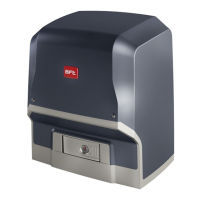
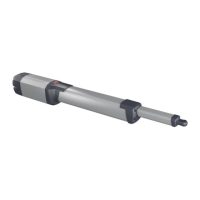
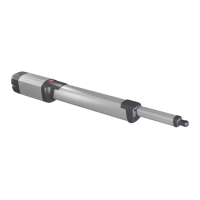
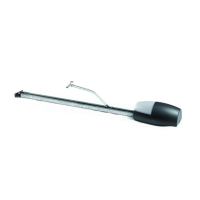
The ARES ULTRA BT A actuator is highly versatile in terms of installation op-
tions due to the extremely low position of the pinion, the actuator’s compact
nature and the height and depth adjustment features it oers. The adjustable
electronic torque limiter provides anti-crush safety. Manual emergency operation
is extremely easy to perform using just a release lever.
Stopping is controlled by polarized magnetic limit switches.
The MERAK control panel comes with standard factory settings. Any change
must be made using the programmer with built-in display or universal handheld
programmer.
Fully supports EELINK and U-LINK protocols.
Its main features are:
- Control of 1 low-voltage motor
- Obstacle detection
- Separate inputs for safety devices
- Congurable command inputs
- Built-in radio receiver rolling code with transmitter cloning.
The board has a terminal strip of the removable kind to make maintenance
or replacement easier. It comes with a series of prewired jumpers to make the
installer’s job on site easier. The jumpers concern terminals: 70-71, 70-72, 70-74.
If the above-mentioned terminals are being used, remove the relevant jumpers.
TESTING
The MERAK panel controls (checks) the start relays and safety devices (photocells)
before performing each opening and closing cycle.
If there is a malfunction, make sure that the connected devices are working
properly and check the wiring.
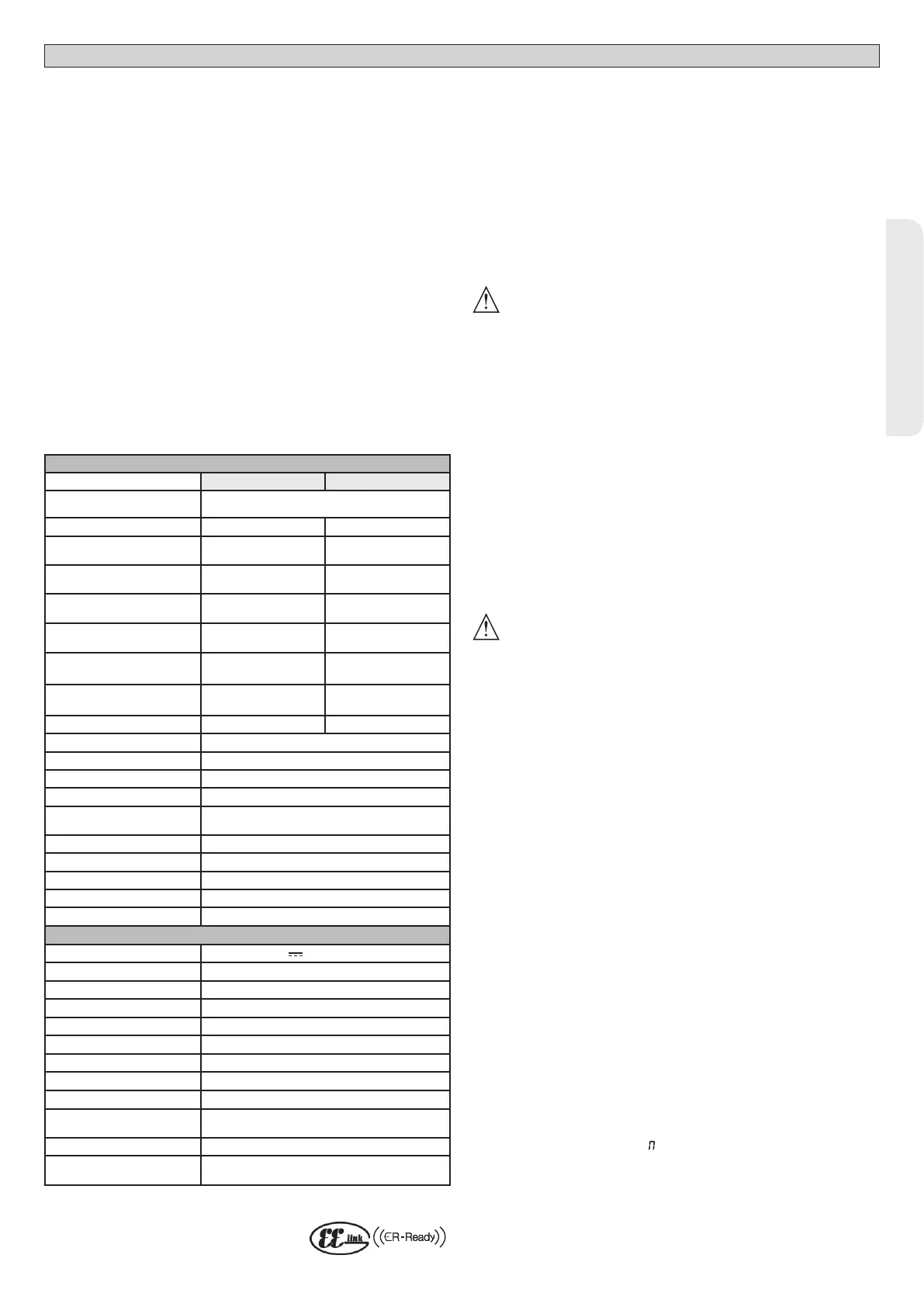
2) TECHNICAL SPECIFICATIONS
MOTOR
1000 1500
Power supply
110-120V 50/60Hz
220-230V 50/60 Hz(*)
Power input 240 W 400 W
Pinion module
ARES
4mm (18 teeth) 4mm (18 teeth)
Pinion module
ARES V
4mm (25 teeth) 4mm (25 teeth)
Leaf speed
ARES
9 m/min 9 m/min
Leaf speed
ARES V
12 m/min 12 m/min
Max. leaf weight
ARES
1000 Kg 1500 Kg
Max. leaf weight
ARES V
500 Kg 750 Kg
Max. torque 30 Nm 35 Nm
Impact reaction Electronic torque limiter
Lubrication Lifetime greased
Manual operation Lever-operated mechanical release
Type of use intensive
Buffer batteries (optional
extras)
Two 12V 1.2Ah batteries
Environmental conditions -20 / +55°C
Protection rating IP44
Noise level <70dBA
Operator weight 7 kg
Dimensions See Fig. H
CONTROL UNIT
Low voltage/mains insulation
> 2MOhm 500V
Operating temperature range
-20 / +55°C
Thermal overload protection Software
Dielectric rigidity mains/LV 3750V~ for 1 minute
Accessories power supply
24V ~ (demand max. 0,5A) 24V ~ safe
AUX 0
NO 24V ~ powered contact (max.1A)
AUX 3
NO contact (24V~/max.1A)
Fuses
Fig. F
Built-in Rolling-Code radio-receiver
frequency 433.92MHz
Setting of parameters and
options
Universal handheld programmer/LCD display
N° of combinations
4 billion
Max. n° of remotes that can
be memorized
63
(*) Special supply voltages to order.
Usable transmitter versions:
All ROLLING CODE transmitters compatible with .
3) TUBE ARRANGEMENT Fig.A
Install the electrical system referring to the standards in force for electrical systems
CEI 64-8, IEC 364, harmonization document HD 384 and other national standards.
4) PREPARATION FOR MOTOR MOUNTING FIG.B
Make a hole in the ground to accommodate the concrete pad where the tie rods
will be positioned, keeping to the distances featured in (FIG.B).
5) REMOVING THE COVER FIG.C
5.1) MOUNTING THE MOTOR FIG.C1
6) MOUNTING DRIVE ACCESSORIES FIG.D-D1
Recommended rack types (FIG.J)
7) RACK CENTRING WITH RESPECT TO PINION FIG.J-K1-L
DANGER - Welding must be performed by a competent person issued
with the necessary personal protective equipment as prescribed by
the safety rules in force FIG.K.
8) FASTENING LIMIT SWITCH BRACKETS FIG.E
Fastening the limit switches:
• Attach the limit switch bracket to the rack as illustrated in FIG. D1
• Fasten the magnetic limit switch box to the limit switch bracket with the screws
and plate provided, as illustrated in FIG.E – Ref.1.
• Fasten the limit switch bracket to the rack by screwing in the two front screws
provided FIG.E ref.2
Right-hand limit switch:
• Fasten the Right-hand magnetic limit switch called “R”; do not exceed the sta-
ted maximum distance between the magnetic limit switch box and the limit
switch assembly, FIG.E.
Left-hand limit switch:
• Fasten the Left-hand magnetic limit switch called “L”; do not exceed the stated
maximum distance between the magnetic limit switch box and the limit
switch assembly, FIG.E.
Warning. Do not swap over the limit switch brackets once you have changed the
opening direction via the relevant logic
9) STOPS FIG.M
DANGER - The gate must be tted with mechanical stops to halt its
travel both when opening and closing, thus preventing the gate from
coming o the top guide. Said stops must be fastened rmly to the ground,
a few centimetres beyond the electric stop point.
10) MANUAL RELEASE (See USER GUIDE -FIG.3-).
Warning Do not JERK the gate open and closed, instead push it GENTLY to
the end of its travel.
11) TERMINAL BOARD WIRING Fig. F-N
Once suitable electric cables have been run through the raceways and the auto-
mated device’s various components have been fastened at the predetermined
points, the next step is to connect them as directed and illustrated in the diagrams
contained in the relevant instruction manuals. Connect the live, neutral and earth
wire (compulsory). The mains cable must be clamped in the relevant cable gland
(FIG.N-ref.N1), while the earth wire with the yellow/green-coloured sheath must
be connected in the relevant terminal (FIG.N-ref.N2).
WARNINGS - When performing wiring and installation, refer to the standards
in force and, whatever the case, apply good practice principles. Wires carrying
dierent voltages must be kept physically separate from each other, or they must
be suitably insulated with at least 1mm of additional insulation.
Wires must be secured with additional fastening near the terminals, using devi-
ces such as cable clamps. All connecting cables must be kept far enough away
from dissipaters.
11.1) LOCAL COMMANDS Fig.F
While the display is o, pressing the + key commands the gate to Open and
pressing the - key commands it to Close. Pressing either key again while the
automated device is moving commands the gate to STOP.
12) SAFETY DEVICES
Note: only use receiving safety devices with free changeover contact.
12.1) TESTED DEVICES Fig.S
12.2 CONNECTION OF 1 PAIR OF NONCHECKED PHOTOCELLS FIG. G1
12.3 CONNECTION OF 1 PAIR OF CHECKED PHOTOCELLS FIG. G2
13 ACCESS TO THE SIMPLIFIED MENU: FIG.1
13.1) CALLING UP MENUS: FIG. 2
13.2) PARAMETERS MENU PARA PARAMETERS TABLE “A”
13.3) LOGIC MENU LOGIC LOGIC TABLE “B”
13.4) RADIO MENU radio RADIO TABLE “C”
- IMPORTANT NOTE: THE FIRST TRANSMITTER MEMORIZED MUST BE
IDENTIFIED BY ATTACHING THE KEY LABEL (MASTER).
In the event of manual programming, the rst transmitter assigns the RECEIVER’S
KEY CODE: this code is required to subsequently clone the radio transmitters.
The Clonix built-in on-board receiver also has a number of important advanced features:
ARES ULTRA BT A 1000 - ARES ULTRA BT A 1500 - 25
D812201 00100_09


 To Next Page
 Loading...