Recommendation: If you wish to switch off the
volume control function, you can do so by
deactivating it using the fitting software.
If your hearing system
doesn't work
• Please note that your hearing system will
automatically switch off when the battery
is low.
• Please check that your hearing system is
connected by cable and that the battery
compartment has a battery inside and is
closed properly.
• Does the battery have enough power and
has it been inserted correctly? Please
make sure that you always carry replace-
ment batteries with you. Use a new battery
from the packaging.
• Has the volume control been adjusted cor-
rectly? Make sure that the bone conduction
side as the yellow marking on the programming
socket. There will be no connection otherwise!
6. Fitting software
In order to guarantee flawless function, please
only use the BHM-Tech software released for
this product. If you have any doubts or queries,
please contact your supplier or BHM-Tech.
7. After programming
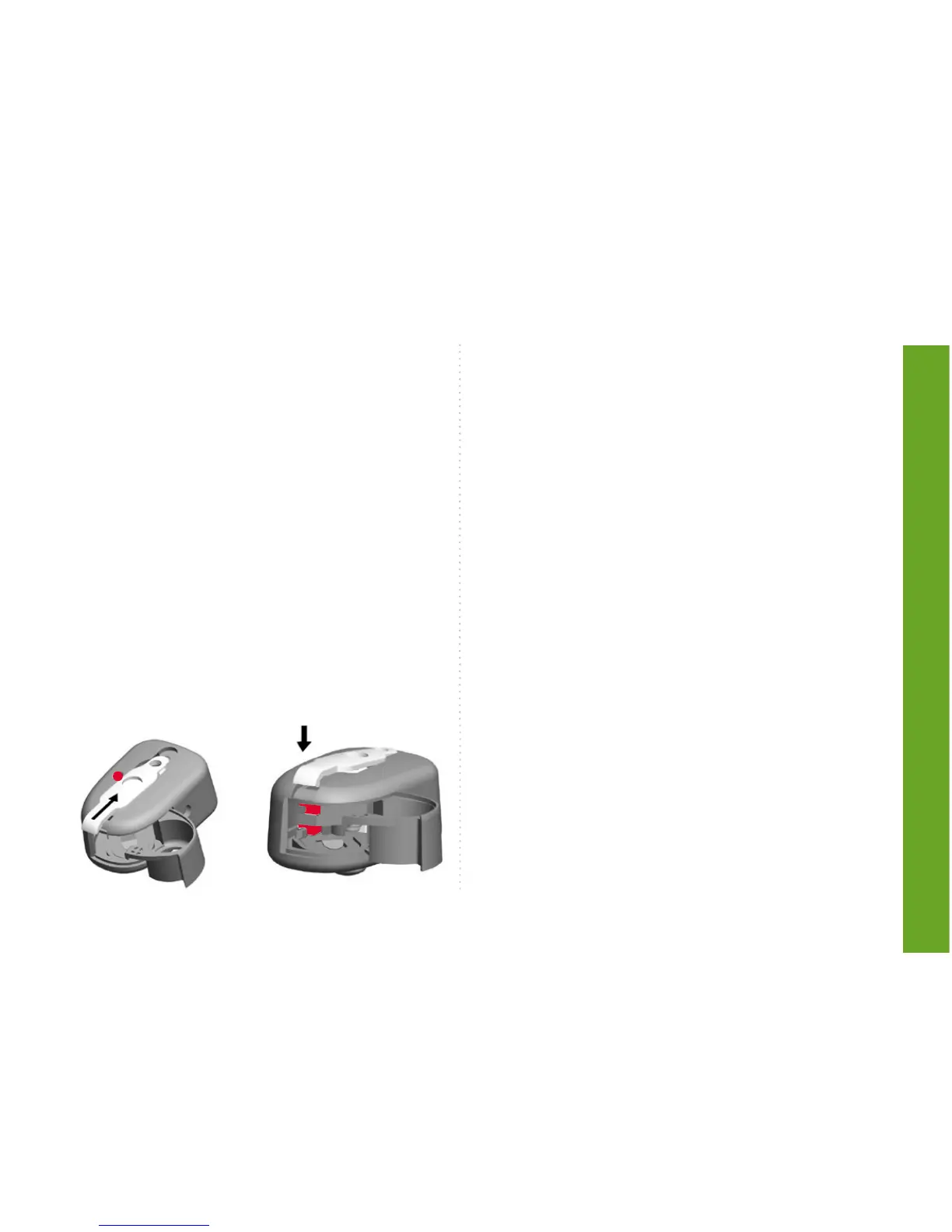
Remove the programming cable and assem-
ble the cover as described.
• Slide the cover carefully into the casing.
• Carefully press the cover back into the
casing.



 To Next Page