21
USA
Functons Under the Settngs
Menu
(depends on the model)
Under the settings menu of your product,
there are some additional functions that
depend on the model.
To access these functions, press and hold
the Menu key for 3 seconds. Use <- and
+> to proceed to the desired function or
setting.
Use the selection key to change the desired
function or setting and press the Menu key
to exit the Settings menu.
In some models pressing the Menu key
only once will allow you to enter the
Settings menu.
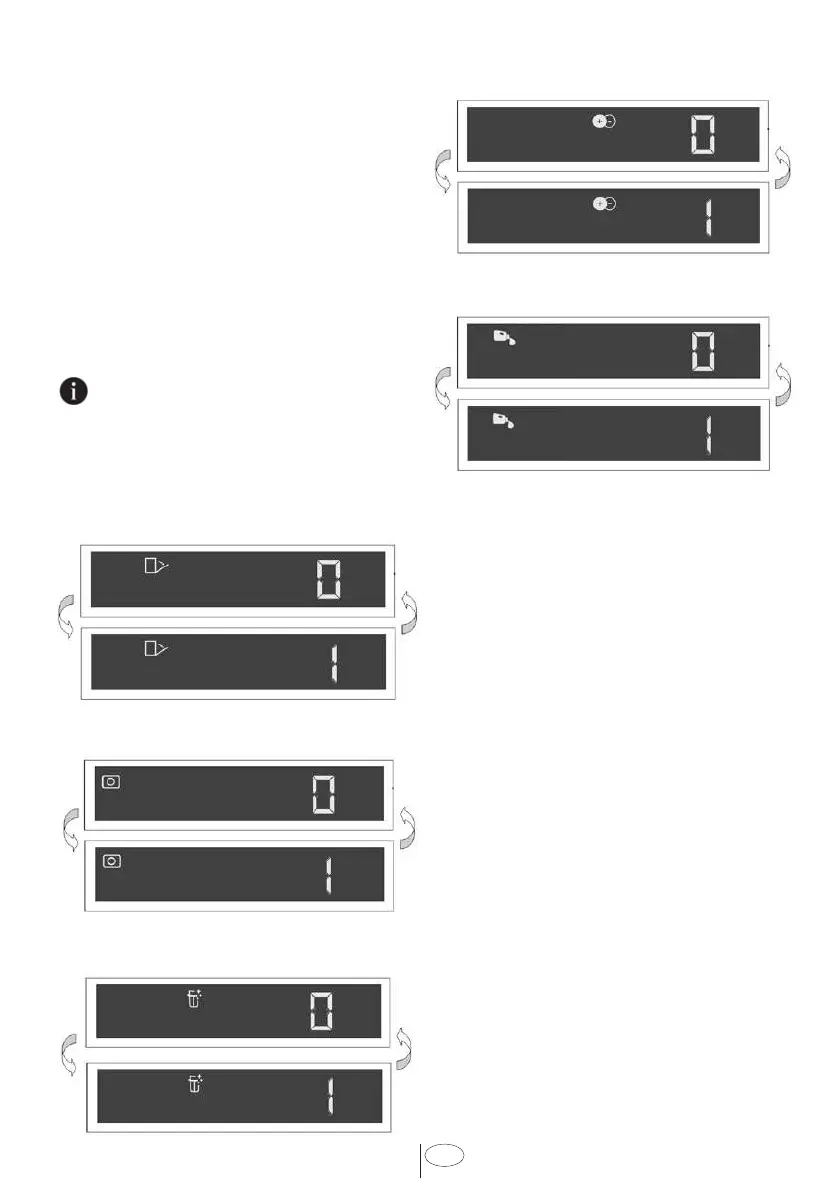
Submenu Functons:
(depends on the model)
Doormatic Function Off/On
Detergent Tablet Function Off/On
EverClean Function Off/On
IonGuard Function Off/On
Liquid Dosing Function Off / On
Interor Lghtng
(Select Models)
Some models have interior lighting to
illuminate the interior when the door is
opened.
Changng the nteror lghtng
settng
1. After switching on your machine, press
the Menu key for 1 second.
2. Press <- and +> to proceed to “L:” on
the display. Select the position you
want with the Selection key. Interior
lighting is off in “L:0” position and on in
“L:1” position.
3. Press the Menu key to exit the settings
menu. Your setting will be saved
automatically.



 To Next Page