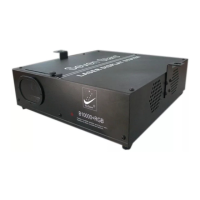
Warning:In any installation and maintenance work, please make
sure the system is powered off.
Remark:DMX512 mode,the LASER display system will shut off ,if the
DMX512 signal intermit . Under the sound mode, the LASER display
system will be closed when quiet.
ADDRESS: DMX address setup
Address 1-10 Dip switch:
1. When Dip Switch 10 is set to “On”, the function of Dip code 1-9 as
follows:
Dip Switch 1 is OFF…… Sound Mode(Master LASER)
Dip Switch 1 is ON…… Auto Mode (Master LASER)
Dip Switch 2 is ON……Follow Mode
(Attention :When in Follow Mode ,either can be chosen for the Host.
In asynchronous situation ,the Follow one will run after the Host
automatically to reach synchrony).
2.When Dip Switch 10 is set to “OFF”, the system can be controlled by
12 channels DMX512.
3.Speed adjustment Under sound Mode:
Dip Switch 3, 4 are set to OFF, Auto speed
Dip Switch 3 is set to “ON” , Dip Switch 4
to “OFF” Slow speed
Dip Switch 3 is set to “OFF” , Dip Switch 4
to “ON” Fast speed
Dip Switch 3 ,4
are set to ”ON” Fast speed
4.when in Follow Mode:
Dip Switch 2 is ON...... Follow Mode
Page 6
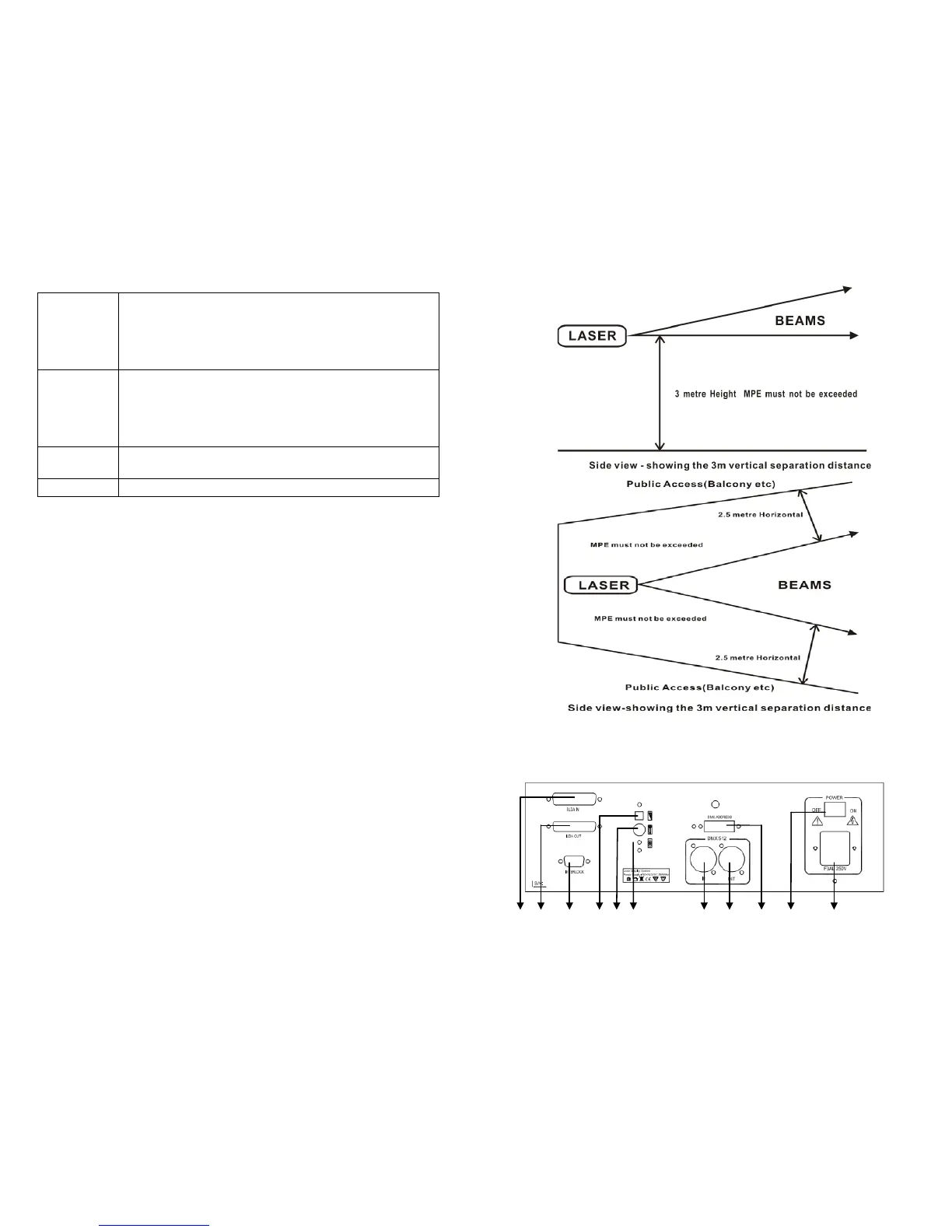
Diagram illustration
RearPanel
① ② ③ ④ ⑤ ⑥ ⑦ ⑧ ⑨ ⑩ ⑾
Page 3
3.It can work synchronously
asynchronously) in vertical or horizontal orientation, the
same motion is effected on the offset, rotation, wave,
dot-line ,strobe and so on.
Dimensions 330×370×125mm
NW./ GW. 5.6/7.1KG


 To Next Page
 Loading...