III. Soware BigRep
› G90 XXX XXX XXX XXXXX drive to position
› G32 Autoleveling
› G92 resets position
› G28 homing
› T0 activate le extruder T0
› T1 activate right extruder T1
Full List of G- / M-Codes
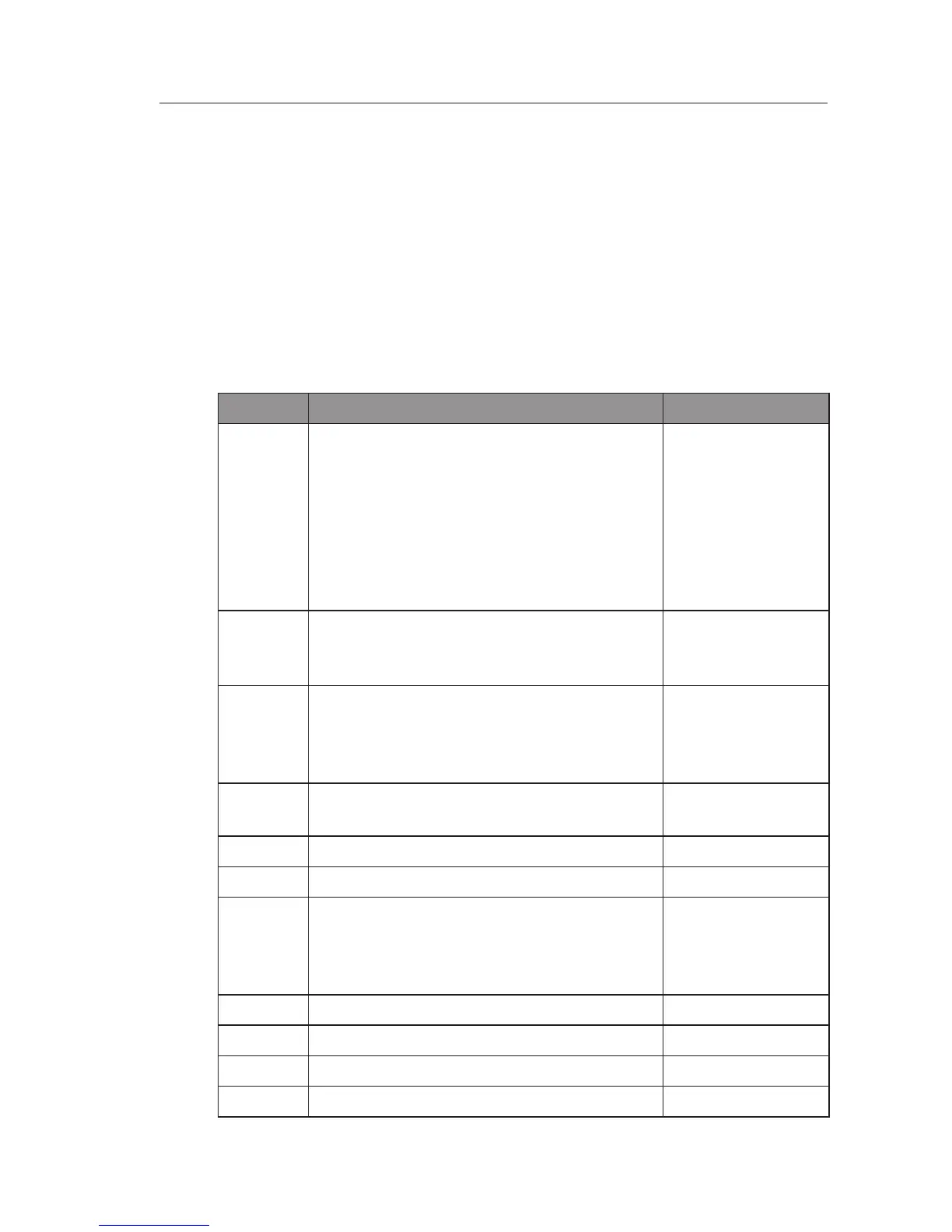
G-Code Description Example
G0 Move to the given coordinates. To the
contrary of G1, if there is a tool it will most
of the time be o during this kind of move.
This is a "go to" move rather than a "do
while going to" move. The F parameter
defines speed and is remembered by sub-
sequent commands ( specified in millimet-
res/minute ) (command ismodal)
G0 X10 Y-5 F100
G1 Move to the given coordinates, see above
for dierence with G0. Takes the same F
parameter as G0. (command ismodal)
G1 X20 Y-2.3
F200
G2 Clockwise circular motion :go to point
with coordinates XYZ while rotating
around point with relative coordinates IJ
(command is not modal)
G2 X10 J5
G3 Counter-clockwise motion : see above
(command is not modal)
G3 Y5 X10 I2
G4 Dwell S<seconds> or P<milliseconds>
G4 P1000
G10 Do firmware extruder retract
G10
G10 L2
G10 L20
set workspace coordinateshttp://linuxcnc.
org/docs/html/gcode/coordinates.
htmlandhttp://linuxcnc.org/docs/html/
gcode/g-code.html#gcode:g10-l2
G10 L2 P1 X0
G11 Do firmware extruder un-retract
G11
G17 Select XYZ plane (command ismodal)
G17
G18 Select XZY plane (command ismodal)
G18
G19 Select YZX plane (command ismodal)
G19
III-F 2/8


 To Next Page
 Loading...

