1. Unpacking and Installing
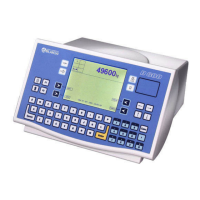
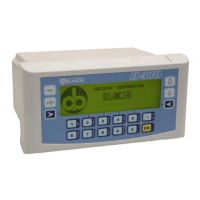
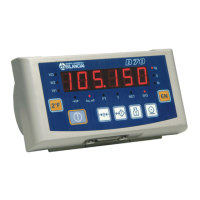
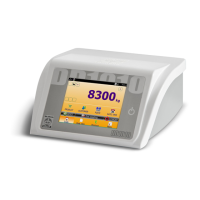
Take the terminal and documents out of the packaging.
1
2 3
4
6
7
8
9
5
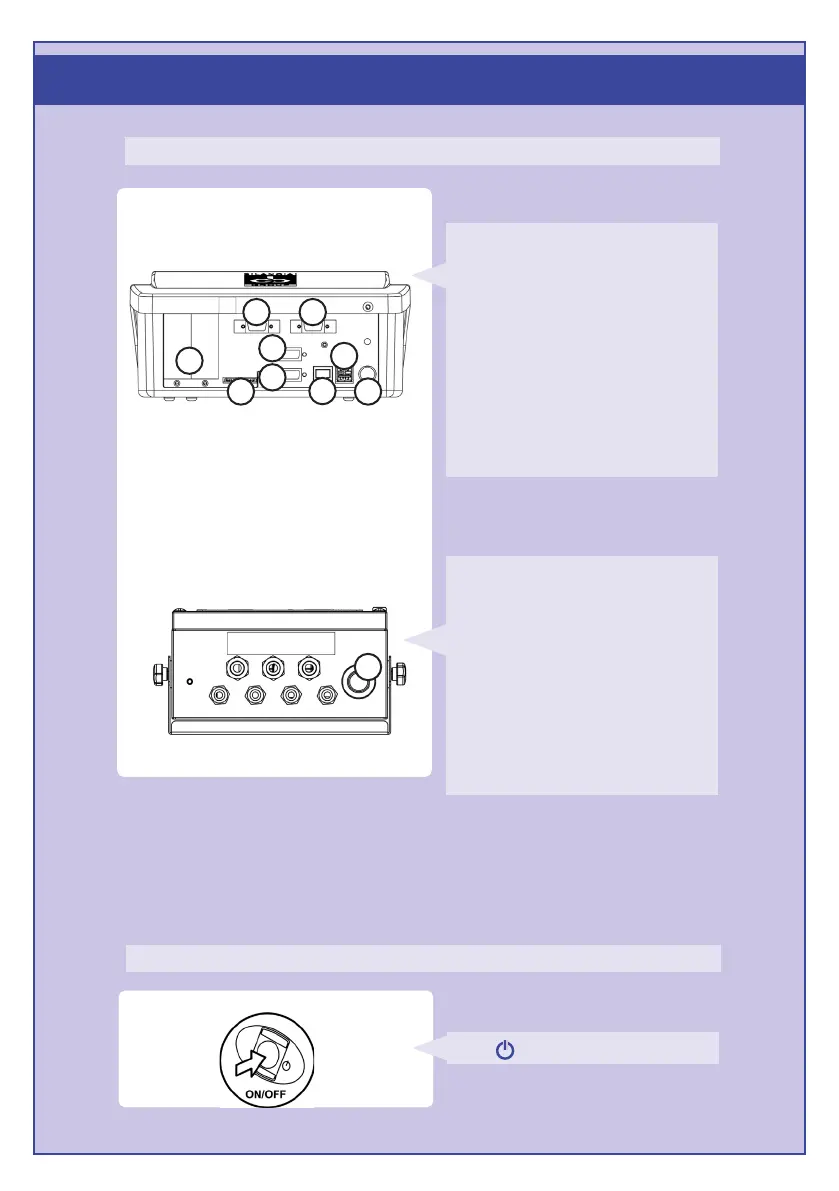
Version with connectors
Version with cable glands
1
Available
connections:
1. USB HOST Ports
•
Slot for optional cards
•
Scale 1
•
Scale 2
•
COM2 Port
•
COM1 Port
•
Expansion for SD card
•
Ethernet Port 10/100 Mbps
•
Power supply 110/240 Vac
Press to access the terminal.
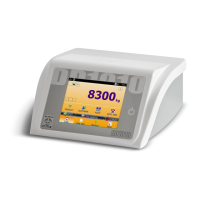
Install the terminal
Available
connections:
1. Slot for optional cards
2. Scale 1
3. Scale 2
4. COM2 Port
5. COM1 Port
6. Expansion for SD card
7. Ethernet Port 10/100 Mbps
8. USB HOST Ports
9. Power supply 12V (via external power
supply unit)





 To Next Page