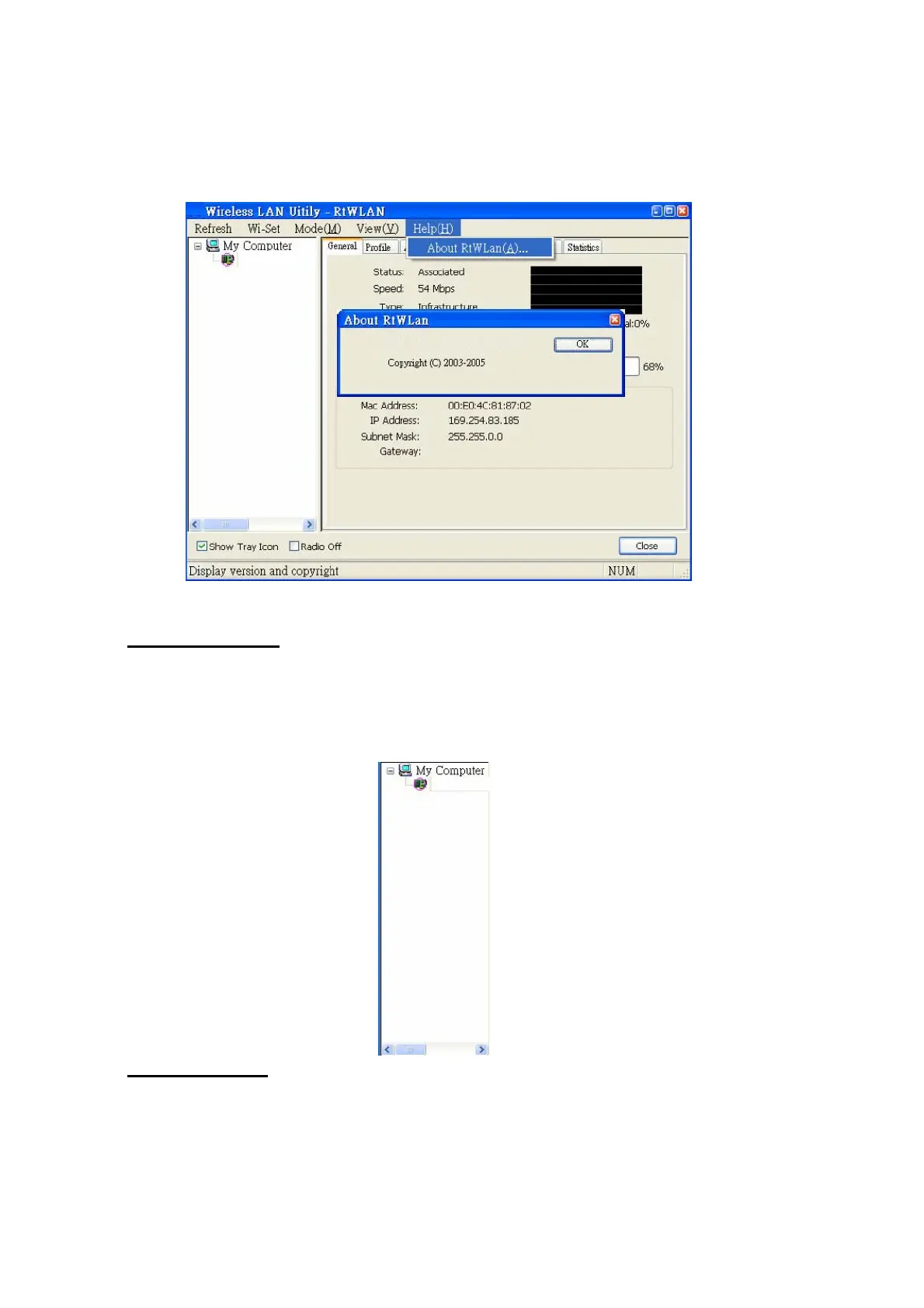
version and license information are shown in the about dialog.
B. Adaptor List Area All connected adaptors on this system with multiple adaptor
installations are displayed in this area. It is easy for users to change the selected adaptor
by one click. The contents of properties area are dependant on wireless configuration that
the selected adaptor is set up. If only single adaptor is
installed on the system, only one adaptor is always selected.
C. Properties Area The contents of this area are dependent on current wireless configuration.
The current configuration is determined on previous explanation of submenu “Mode”. The
more detailed contents are described in the following wireless
12



 To Next Page