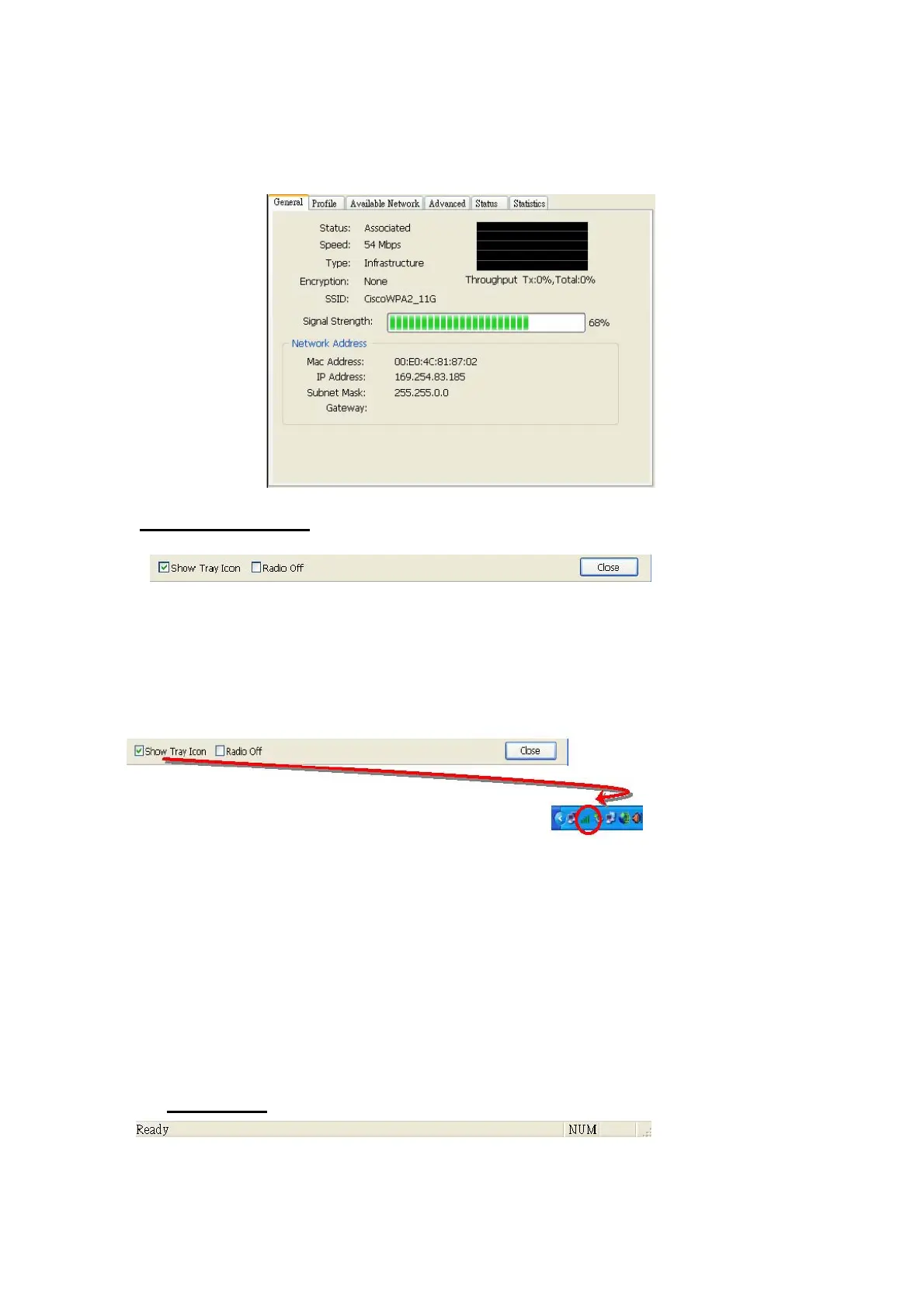
configuration sections for both Station and AP mode.
D. Global Control Bar
Each control item on this bar affects the adaptor or management GUI directly.
Show Tray Icon
Checking "Show Tray Icon" and clicking “Close” button, the management
GUI will be minimized and stay on the tray icon located at the right bottom corner
of Windows. If not, management GUI will shut down while clicking "Close"
button with unchecked condition.
Radio Off
Turn off the radio to save power. While the radio is off, the links with other
wireless network nodes are disconnected. User should be aware
that while the wireless configuration is in AP mode. The radio off will
cause the sub network belonging to the AP to be disconnected with
internet/intranet.
Close
Whether to check or uncheck "Show Tray Icon" is to shutdown or hide the
management GUI.
E. Status Bar
The hints or status of the management GUI are presented in the status bar.
13



 To Next Page