Configuring Your SHDSL VPN Firewall Bridge / Router
Verifying Your Local Network Connection with the Device
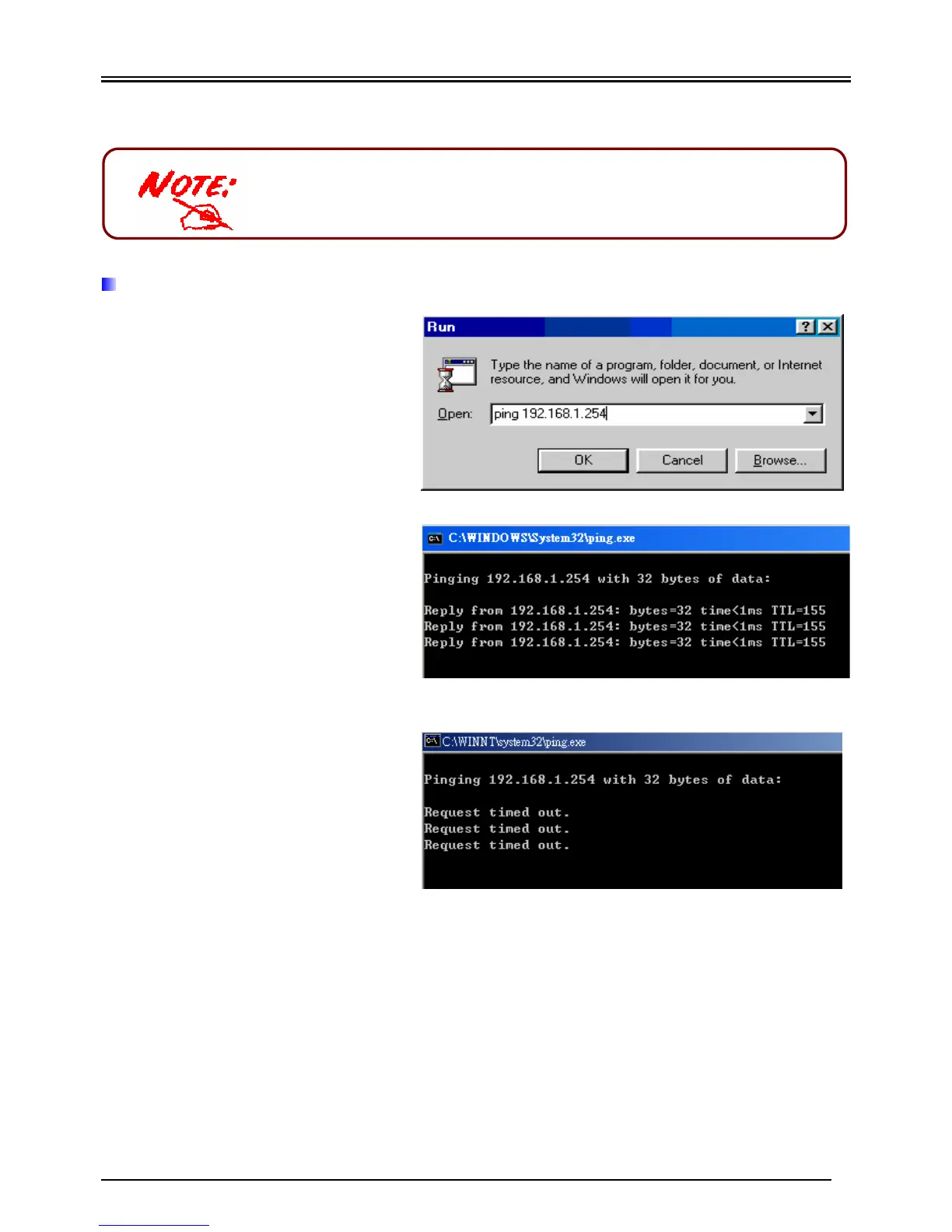
To see if this SHDSL Router is
visible on the local network, go
to Start / Run. In the Run dialog
box, type “ping 192.168.1.254”
then press OK.
A command prompt window will
pop out. If your ping is
successful which means your
local network is able to reach to
the device, then the command
prompt window will close up
automatically.
Connection fails, when you see
“Request timed out” in the
command prompt window. You
may need to check your set up.


 To Next Page
 Loading...









