h. Save the configuration.
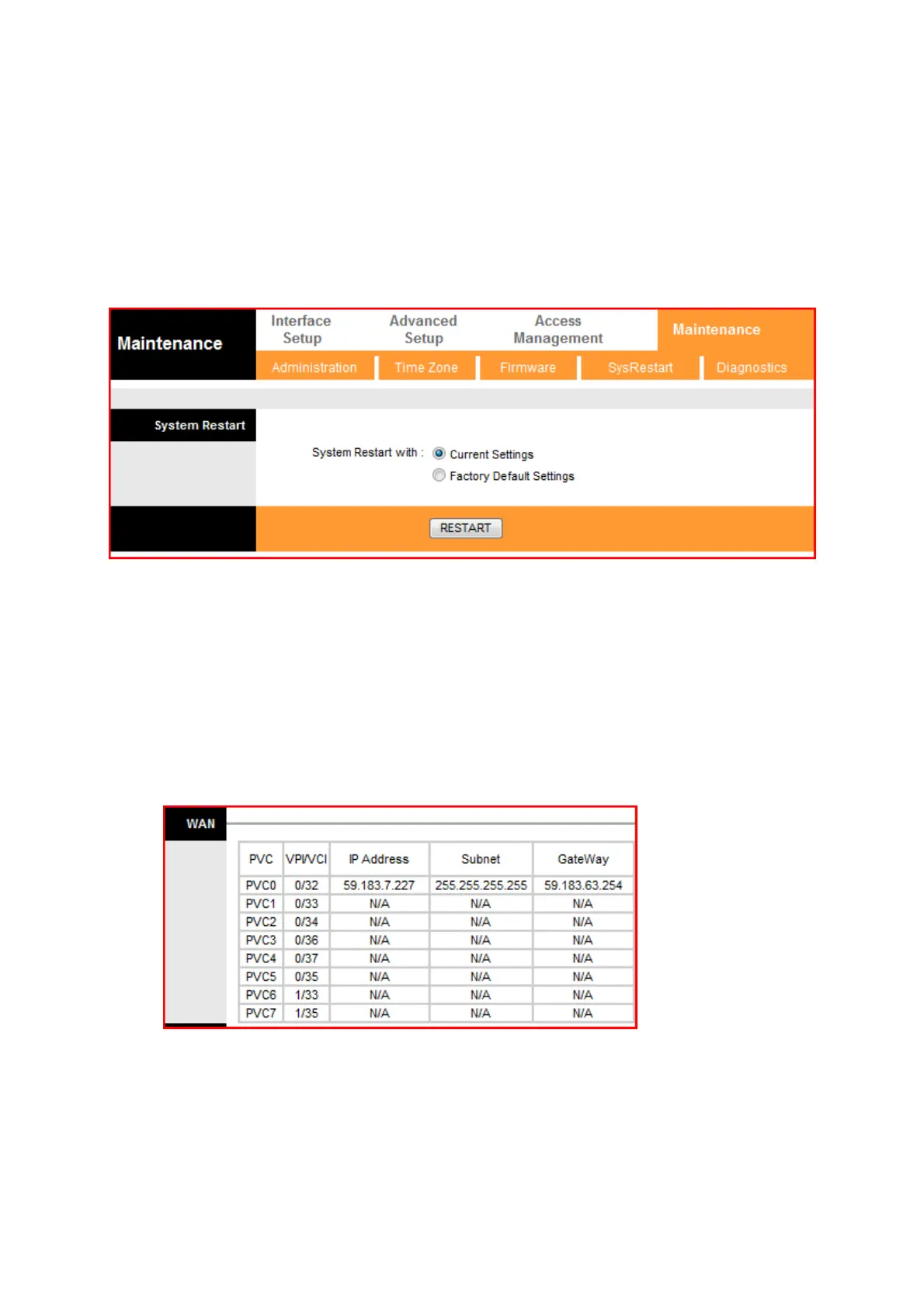
i. To make the changes permanent restart the router. Select Maintenance then
SysRestart, then System Restart with Current Settings. Then click on
Restart.
2. Verification of Internet connection status :
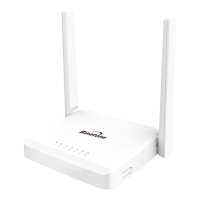
Click on Status Tab. Under WAN - check the IP address, subnet and gateway, all
should be present, it indicates Internet connection is OK. The Internet connection
status can also be verified from the Green Internet LED – on the front panel.



 To Next Page