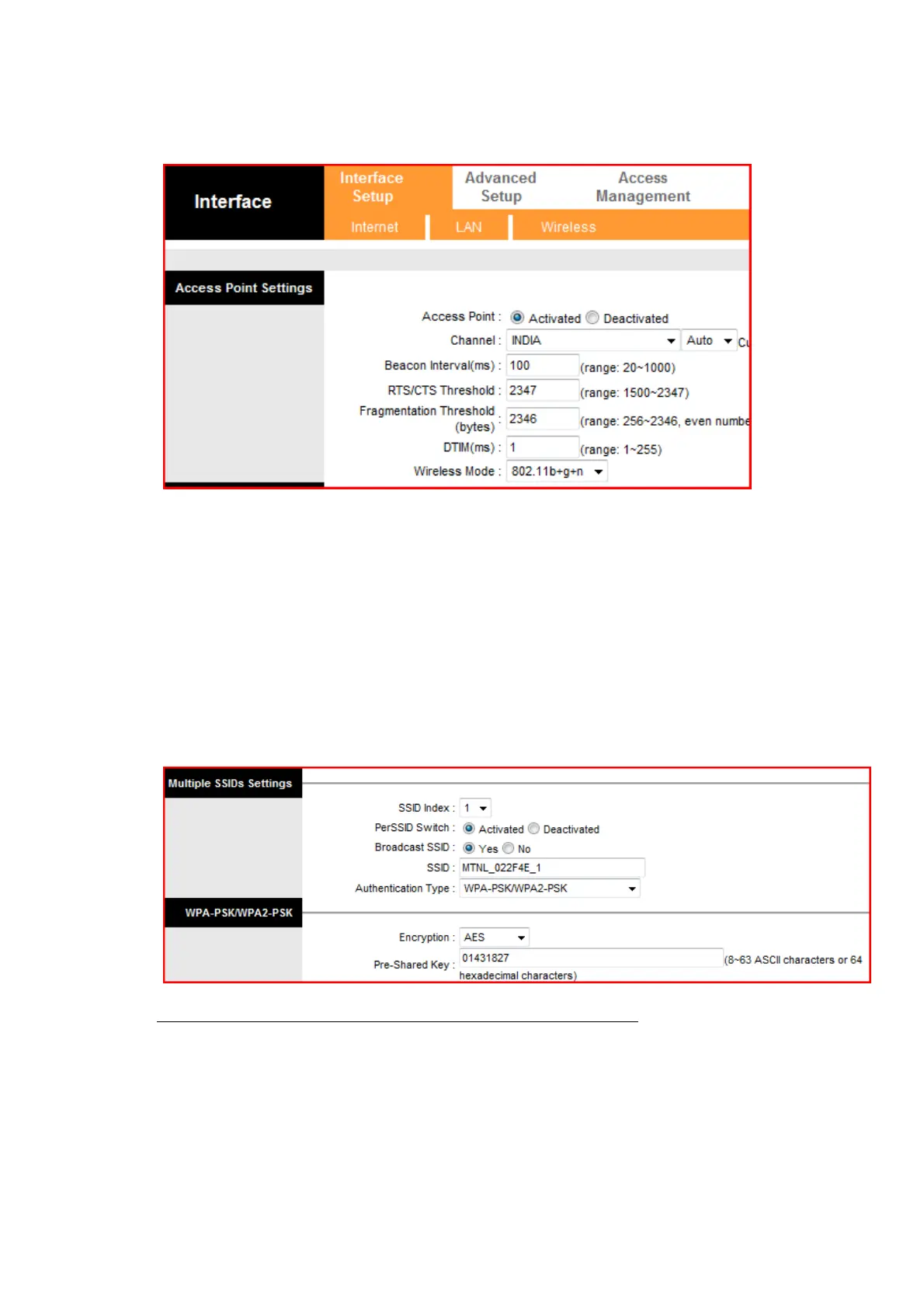
Step 4: Note the Pre-shared key. It is required to set it on the client like LAPTOP
or Mobile for wireless access to this Wireless ADSL Router. ( It is better to
change the Pre-shared key. To change the Pre-shared key enter the
desired key at Pre-shared key field and save the setting. Use the new key
on Laptop or Mobile)
Note: Pl do not share Pre-Shared key with unknown person.
Step 2: Save the configuration.



 To Next Page