EasyManua.ls Logo

Binatone Speakeasy 200 - Phone Layout; Locating Phone Components

Binatone Speakeasy 200
31 pages
Print Icon
To Next Page IconTo Next Page
To Previous Page IconTo Previous Page
Loading...
3 Binatone Help Line : 0845 345 9677
Where to find it
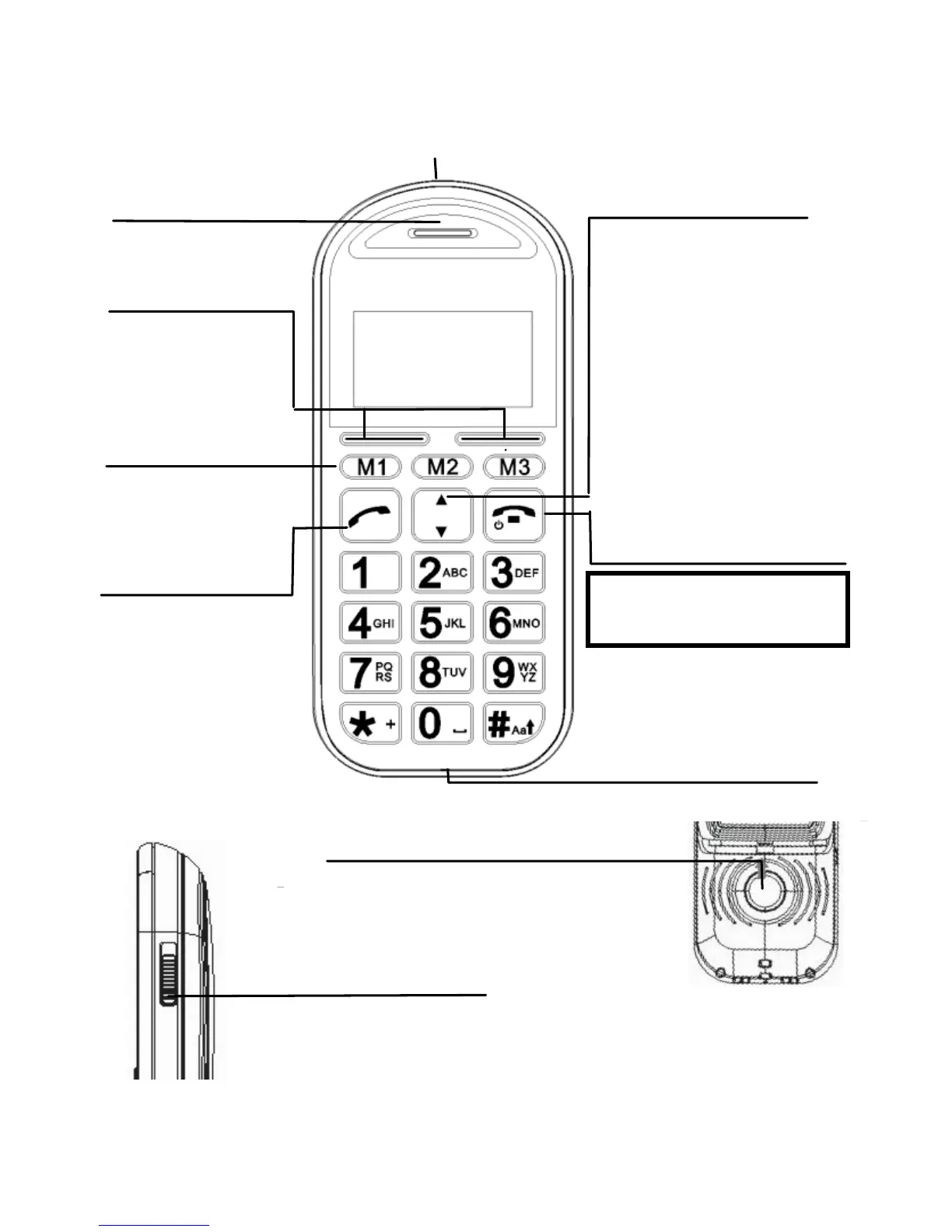
Earpiece
Press to end or reject a call.
Press to return to standby
mode
End Call / Power On-Off
button
Slide up to unlock and
down to lock the keypad
Key Lock/Unlock button
Visual Ringer
Select buttons
(Left/Right soft keys)
Perform functions
indicated by the
display text above
Talk button
Press to answer a
phone call.
Press to enter
redial list
Press to dial a
number
Slide up to unlock and
down to lock the keypad
Key Lock/Unlock button
Memory buttons
(M1, M2, M3)
3 fast key memory
locations for direct
dial out
Up/Down buttons
Press to adjust receiving
volume in talk and
speakerphone modes.
Press to step through
names, phone numbers,
menus and settings.
Standby mode shortcuts:
Up - to Sound Profiles
Down - to Phonebook
Press and hold to switch
the phone on or off
Wrist strap holes
Press and hold 3sec to
start SOS call procedure
SOS button
Slide up to unlock and
down to lock the keypad
Key Lock/Unlock button

Related product manuals