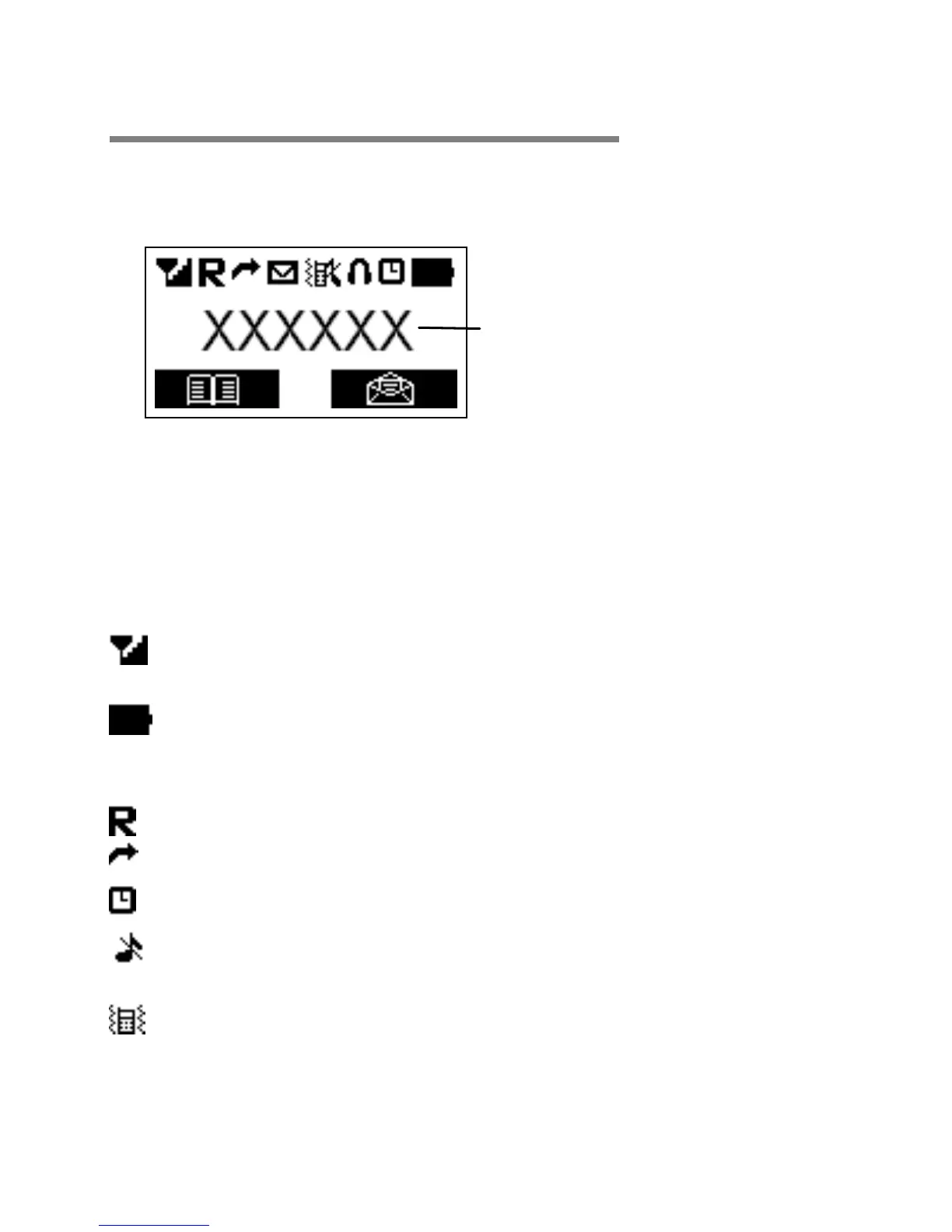
Symbols on the display
The default idle screen shows the clock. Press the End
Call key to show the operator name idle screen, as
below, for a few seconds.
1 - The left selection key in the idle mode is Menu.
2 - The right selection key in the idle mode is SMS.
The Soft keys change to different functions in other modes.
[Note: Symbols and positions on the display may vary.]
Radio link/signal level - On steady when linked
and shows the signal strength.
Battery charge level - Charge handset as soon as
possible if it shows nearly empty. While the
batteries are being charged, this blinks.
Roaming - On if roaming to other mobile network.
Call Divert - On if call divert unconditional is set.
Alarm - On if an alarm is set.
Ringer off & vibrator off- On if handset's ringer
and vibrator are both turned off.
Ringer on & vibrator on - On if handset's ringer
and vibrator are both turned on.



 To Next Page