- 15 -
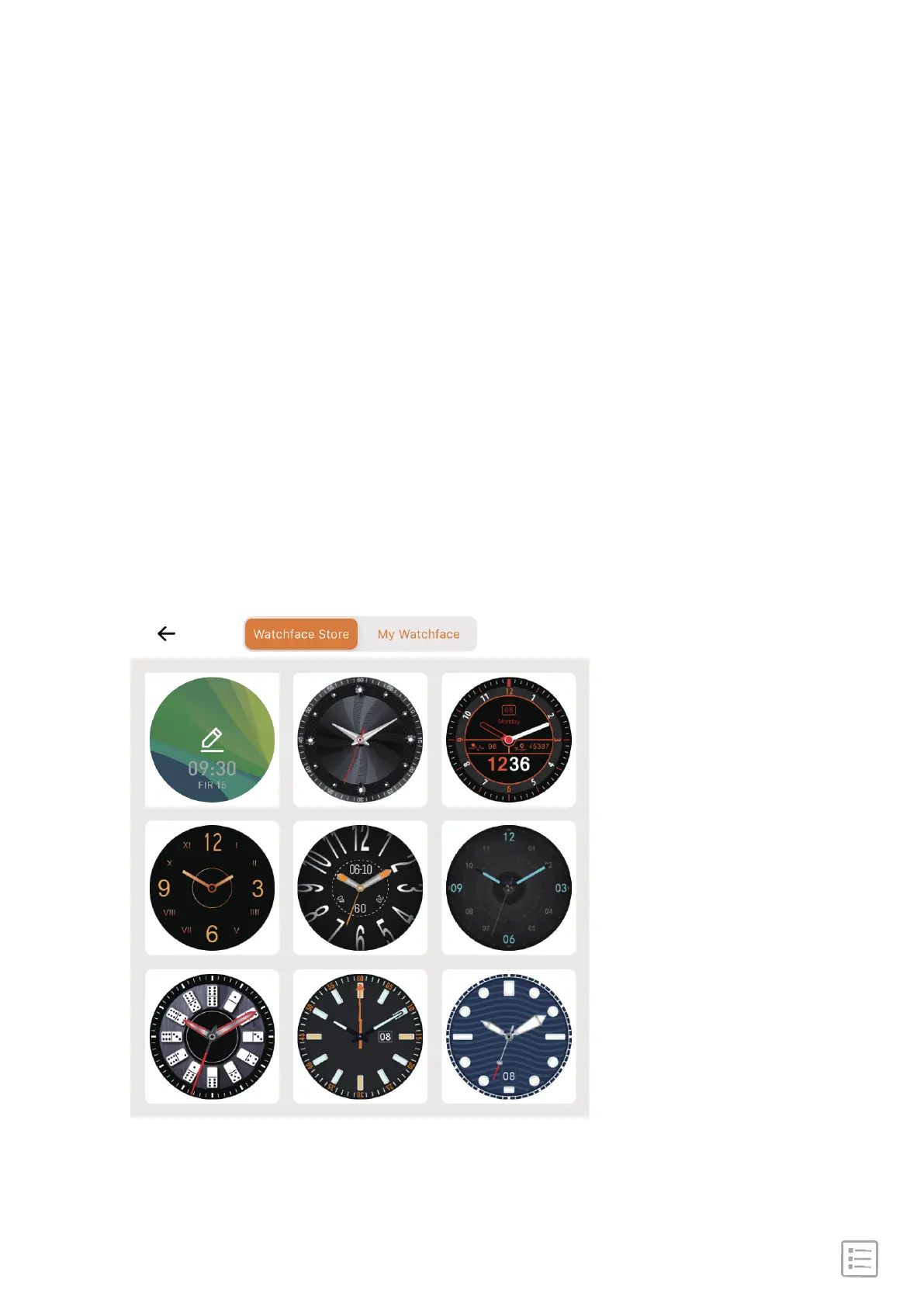
Steps 1: Go to "FitCloudFit" App → Device → Watchface →
Choose style or DIY your watchface → synchronizing
Steps 2: In the watch main interface, hold the screen to change
the theme interface.
Change watch faces
Long press the screen 2s, you can choose one dial you like.
Short press home button, it show the watch dial.
Long press vice button 4s, it show the sport mode.


 To Next Page