18 Biodex Medical Systems, Inc. © 2018
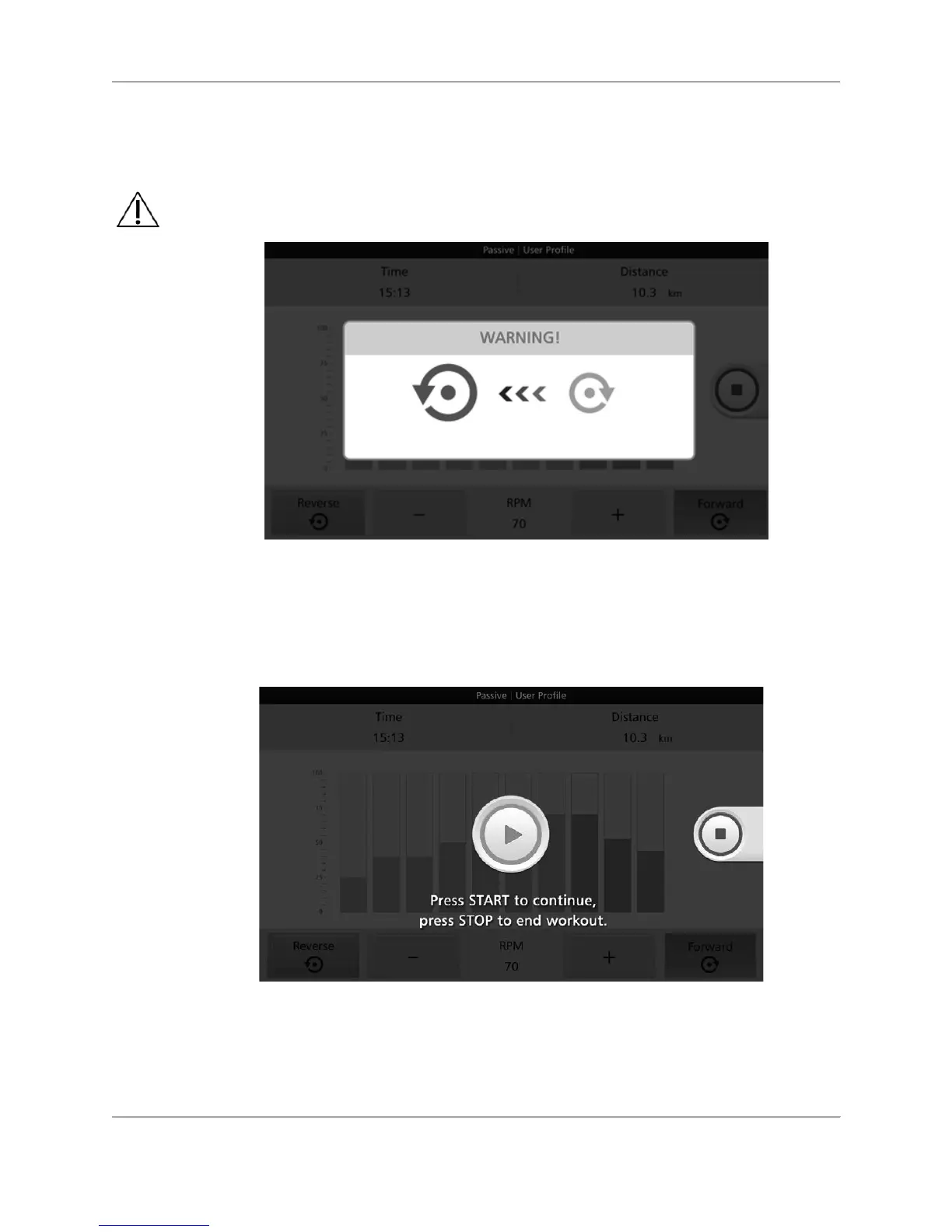
The user or clinician may elect at any time during a session to change the pedal/arm cranking
direction from forward to reverse or reverse to forward. It is important to stop pedal/arm crank
movement completely for a few moments while the device mechanisms reset.
Figure 3.15. Warning screen — Stop pedal/arm cranking completely for a moment before
reversing
direction.
After the warning screen and countdown disappears, press the <Green Arrow> to resume the
exercise in the new pedal/arm cranking direction, or press the <Red Square> to end the
exercise.
Figure 3.16. START / STOP screen.
Spasm Control
For user safety, the medBike is equipped with a Spasm Control sensor. medBike spasm control
detects sudden twitching and/or rapid pedal/arm crank movement in opposite directions. If this



 To Next Page