23 Biodex Medical Systems, Inc. © 2018
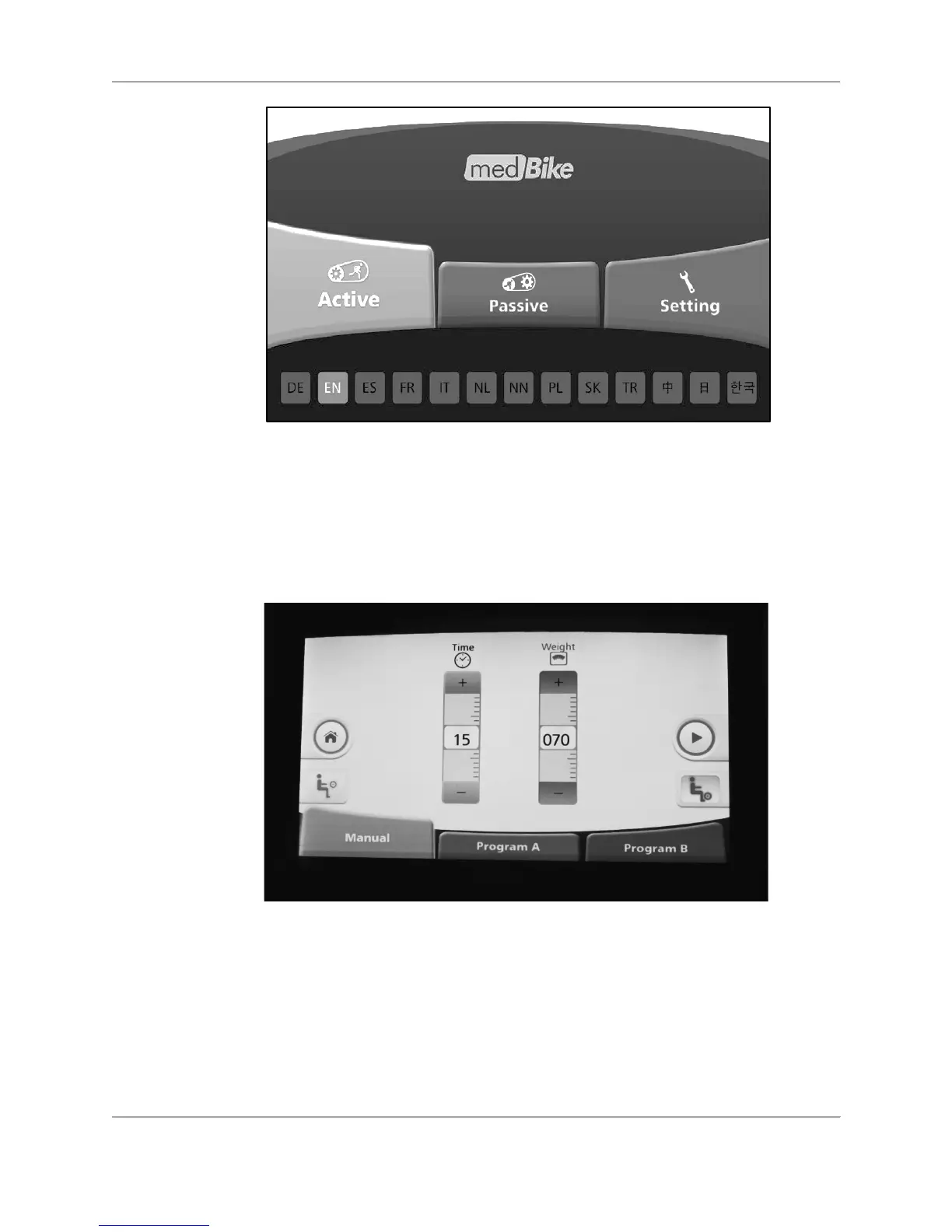
Figure 4.5. Home screen.
Active Resistance Mode (Program A)
In the Active Program A mode, the user is moving the pedal/arm cranks at a constant rate
during each configured segment of a session. Select <Program A>.
Figure 4.6. Active Resistance Mode (Program A—exercise time and patient weight
settings).
Select Upper or Lower Body. Set total exercise time and enter the user’s weight. Press NEXT.
On the Resistance Levels screen, set the resistance for each segment by touching a higher or
lower portion of the segment to ramp up or ramp down that segment. Touch the orange <+> /-
<->buttons to adjust the resistance for a particular segment as well as the pedal/arm cranking
direction. (The segments in Figure 4.7 illustrate the pedal/arm cranking in the forward
direction.) Press the <Green Arrow>.



 To Next Page