24 Biodex Medical Systems, Inc. © 2018
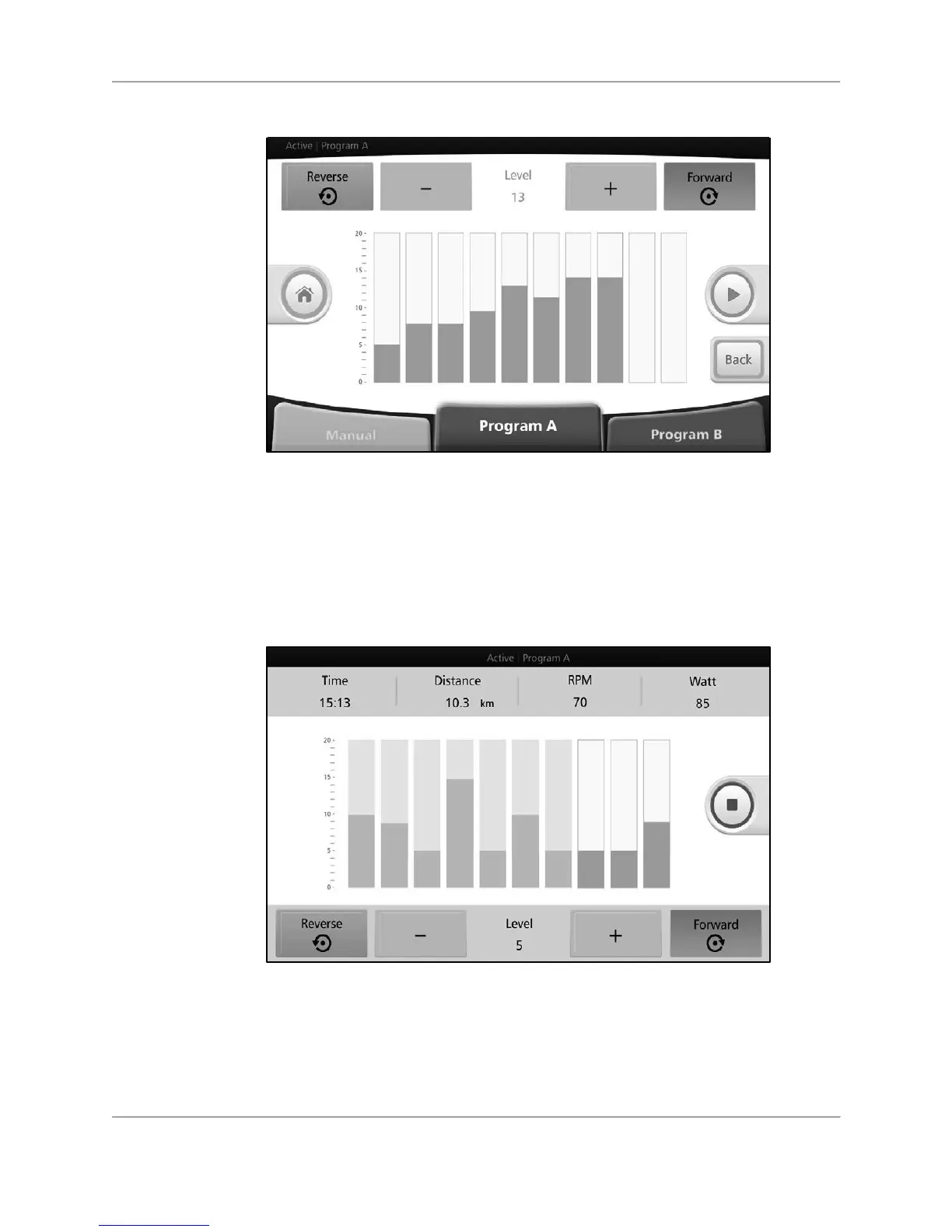
Figure 4.7. Active Resistance Mode (Program A)—resistance level setting screen.
During the session, press the orange <+> /-<-> buttons to adjust the resistance level for each
segment. Alternatively, touch a higher or lower portion of the active segment (the one that has
a green or blue trim all the way around) to ramp up or ramp down that segment.
The pedal/arm cranking direction can be changed by pressing <Reverse> or <Forward>.
Figure 4.8. Active Resistance Mode (Program A)—resistance level setting screen
(individual segments).
If the<Red Square> is pressed to stop the exercise, the results data from the workout is
displayed.



 To Next Page