32 Biodex Medical Systems, Inc. © 2018
Select Upper or Lower Body. Set total exercise time and enter user weight and press <Next> to
begin customizing individual segments within the session.
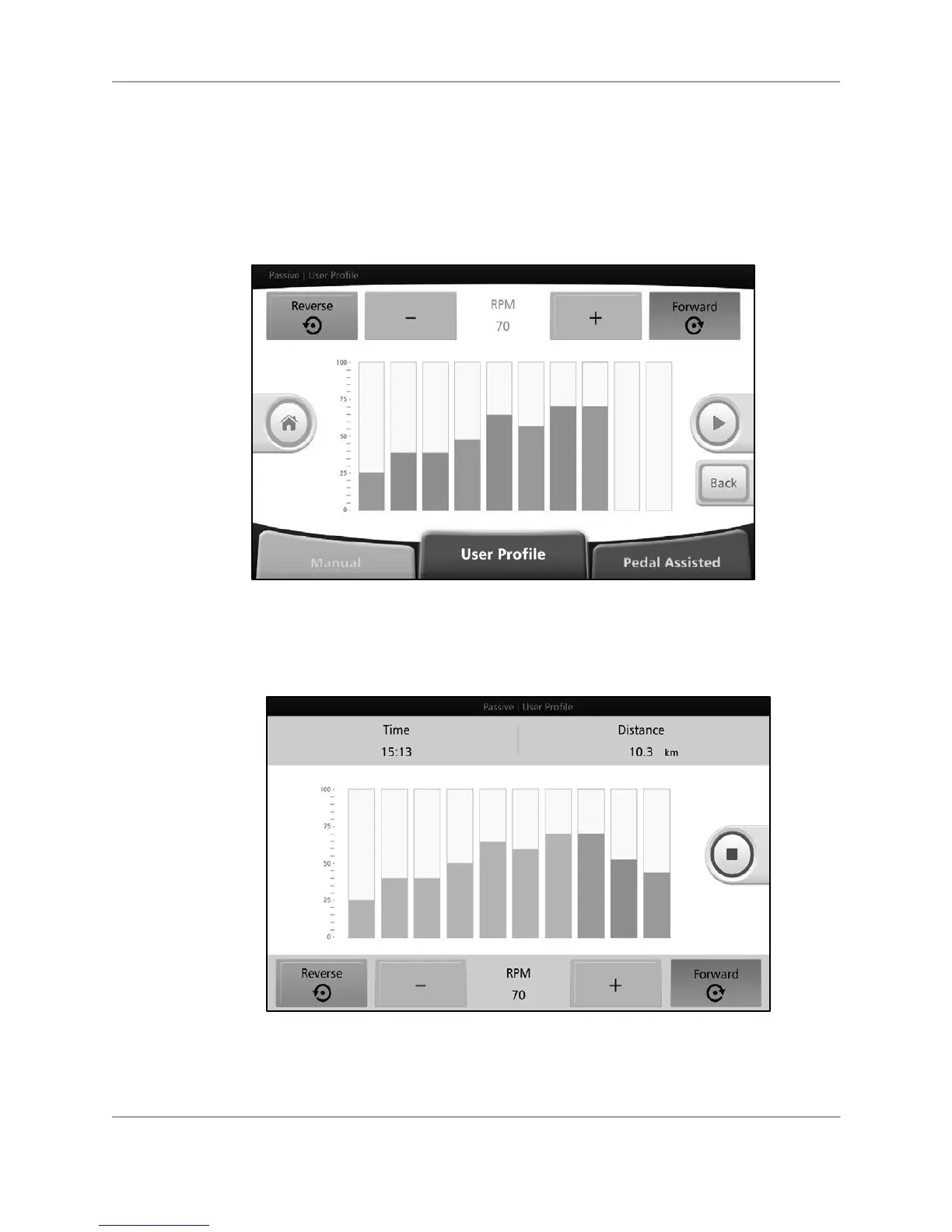
Touch any individual segment (rectangular boxes in the middle of the screen) to set the rpm
and pedal/arm cranking direction for that particular segment.
Press the <Green Arrow> to begin exercising.
Figure 5.7. Passive User Profile Mode— rpm levels and pedal/arm cranking direction
settings
screen (individual segments).
As the user moves through each segment, the completed segments will turn gray.
Figure 5.8. Passive User Profile Mode—in-progress exercise screen.
I
f the<Red Square> is pressed to stop the exercise, the results data from the workout is
displayed.



 To Next Page