71
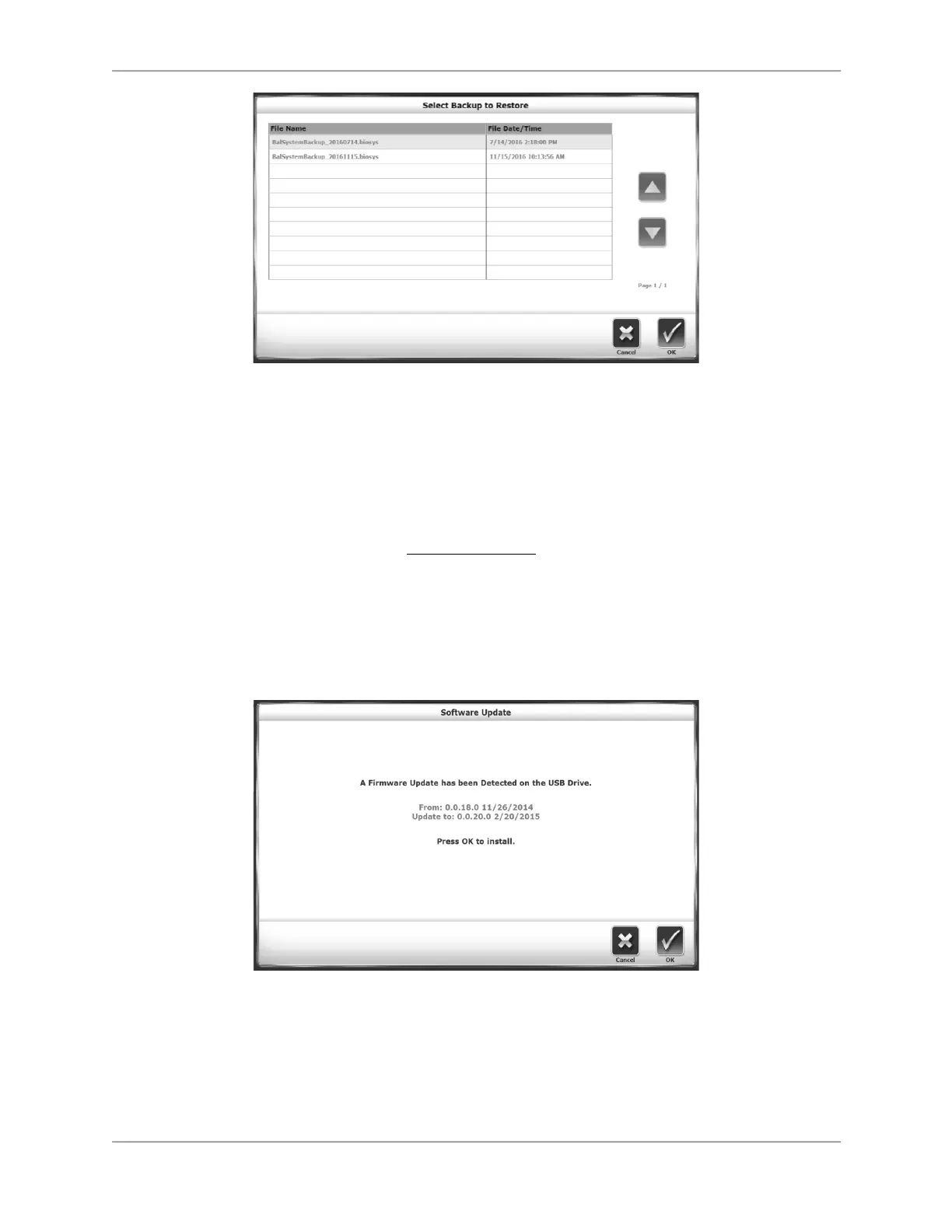
Figure 9.1. Select Backup to Restore Screen.
Compressing the Database
Database Cleanup compresses the system’s file size. Perform this operation according to the
site’s policy.
Updating System Software
1. Download the latest software from www.biodex.com to a flash drive, in the root directory of
the drive.
2. Go to the Home screen.
3. Insert the flash drive into one of the USB ports on the display.
4. The Software Update screen, illustrated in Figure 9.2, is displayed. Follow the directions to
complete the update.
Figure 9.2. Software Update Screen.
Cleaning the Balance System
It is a good practice to wipe the support handles with disinfectant or cleaner after each use.
1. Disconnect the Balance System from the power supply.



 To Next Page