EasyManua.ls Logo

BioLAB 200 Series - User Manual

BioLAB 200 Series
13 pages
Print Icon
To Next Page IconTo Next Page
Loading...
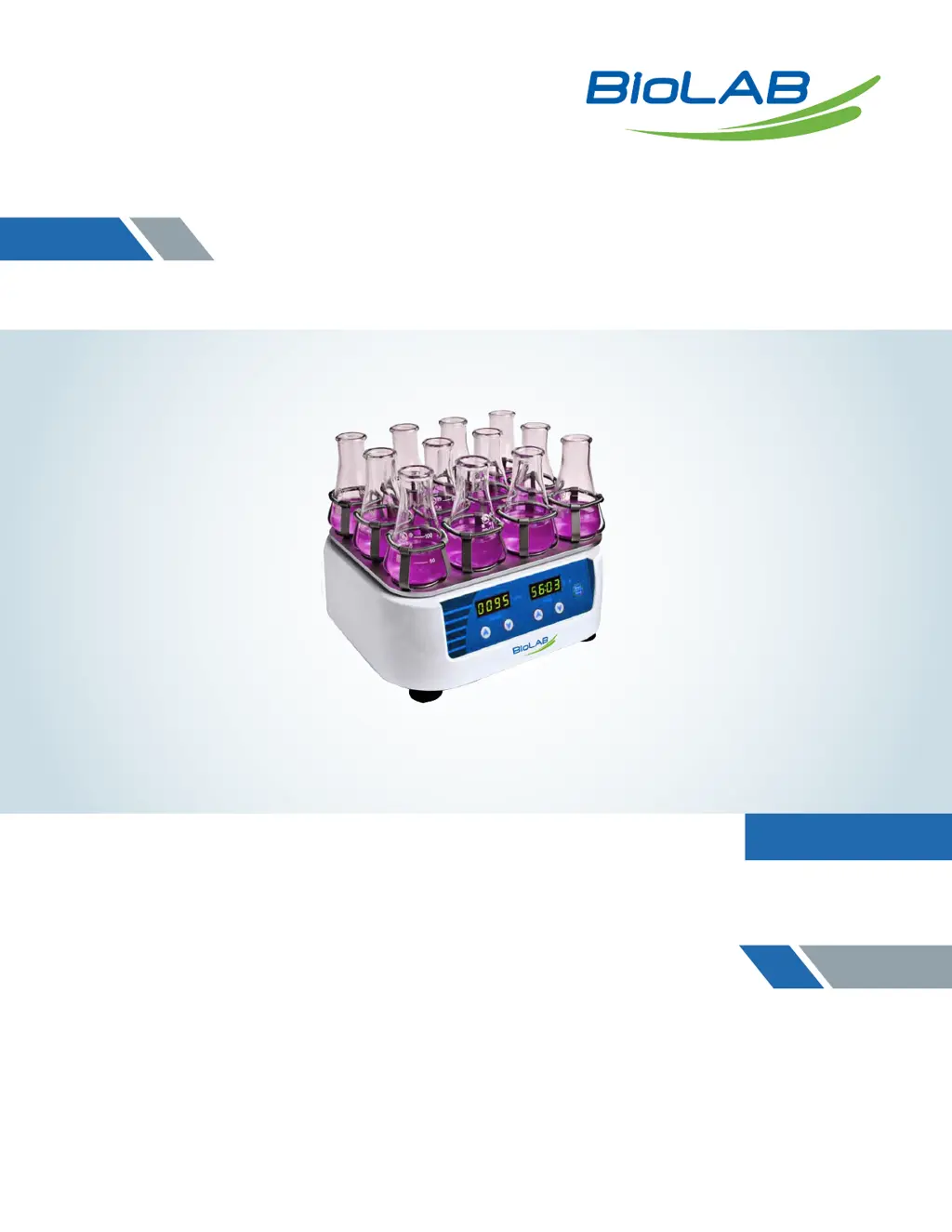
Operation Manual
Orbital Shaker
Series 200
Thank you for Choosing Biolab products. Please read the “Operating Instructions” and
“Warranty” before operating this unit to assure proper operation.

Questions and Answers

  • M
    Matthew PittsAug 11, 2025
    What to do if my BioLAB 200 Laboratory Equipment shows no signal when powered on?
    • M
      murphyrobertAug 11, 2025
      If your BioLAB Laboratory Equipment does not display a signal when you turn it on, there might be a few reasons. First, check the power supply to ensure it is properly connected. If the power is on, the switch may be broken and needs to be exchanged. For other potential issues, it is recommended to contact the seller.
  • M
    Michael HillAug 18, 2025
    Why is my BioLAB Laboratory Equipment shaking heavily?
    • A
      Amy GriffithAug 18, 2025
      If your BioLAB Laboratory Equipment is shaking heavily, it is likely due to imbalanced samples. To resolve this, ensure that samples are placed evenly within the equipment.
  • K
    Katie ThomasAug 27, 2025
    What to do if the actual speed and displayed speed are not matching on my BioLAB 200?
    • D
      Danielle GregoryAug 27, 2025
      If the actual speed and the displayed speed on your BioLAB Laboratory Equipment do not match, this could be due to a broken controller. In this case, it's recommended to contact the seller for assistance.
  • C
    cbellSep 3, 2025
    What to do if my BioLAB 200 Laboratory Equipment displays 'Err'?
    • E
      Evan TaylorSep 3, 2025
      If your BioLAB Laboratory Equipment displays 'Err', it indicates that the speed is out of control. It's recommended to contact the seller in this situation.

BioLAB 200 Series Specifications

General IconGeneral
BrandBioLAB
Model200 Series
CategoryLaboratory Equipment
LanguageEnglish