ACCESSORIES PARTS
Storage Box
2 "AAA" alkaline Batteries
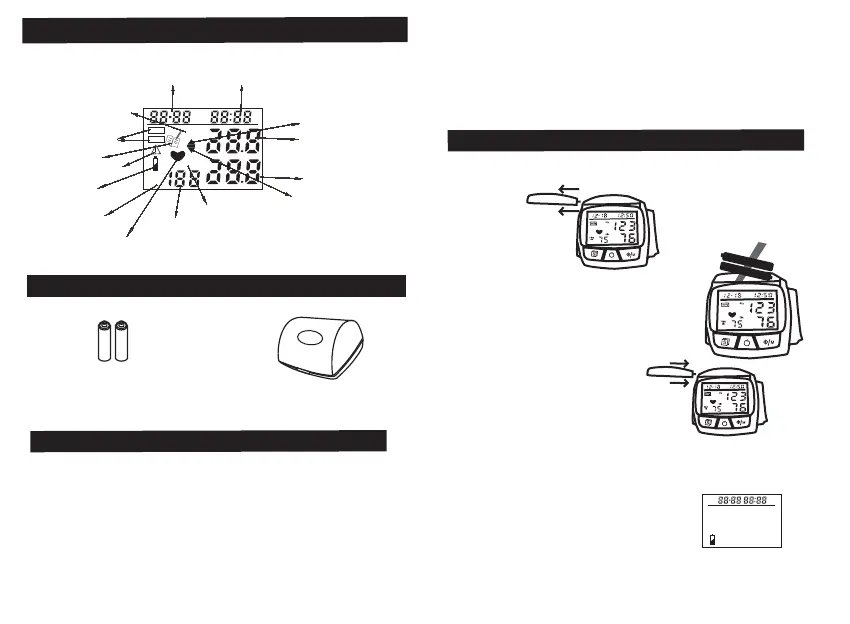
SYMBOLS ON DISPLAY
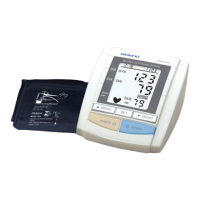
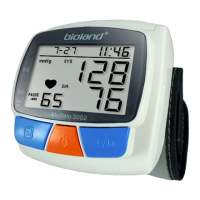
FEATURES OF THE PRODUCT
6. Compact size for easy carry.
7. Easy to use, press a button to automatically measure,
record measurement values and time in the memory.
8. Automatically turns off (within 2.5 minutes) to save power.
BATTERY INSTALLATION/REPLACEMENT
1.Slide the battery cover off as shown in figure.
-
12
-
-
11-
2. Install 2 "AAA" size alkaline batteries
into battery compartment make sure in
correct polarity direction (as indicated
in the bottom of battery compartment).
3. Replace the battery cover.
1. Uses the fuzzy-logic measurement.
2. Memory can store 128 measurements.
3. Easy to use buttons.
4. Large and clear display.
5. Fan-shaped wrist cuff that is easy to wrap.
Note:
*
If the Low Battery Indicator appears on the display,
replace both batteries.
Long-life alkaline batteries
are recommended.
*
Remove the batteries if the
monitor
will not be used for
an extended period of time.
HEART BEAT
INFLATION
DEFLATION
mmHg
Kpa
PUI.SE
-min
SYS
DIA
SYSTOLIC
MEMORY
DIASTOLIC
LOW BATTERY
PULSE UNIT
ATTENTION OF ERROR
MONTH/DATE
HOUR/MINUTE
VALUE OF SYSTOLIC
VALUE OF DIASTOLIC
UNIT OF PRESSURE
VALUE OF
PULSE PER MINUTE
+
-
+
-


 To Next Page