EasyManua.ls Logo

BIOS WEATHER Indoor/Outdoor Wireless Thermometer - User Manual

BIOS WEATHER Indoor/Outdoor Wireless Thermometer
11 pages
Print Icon
To Next Page IconTo Next Page
Loading...
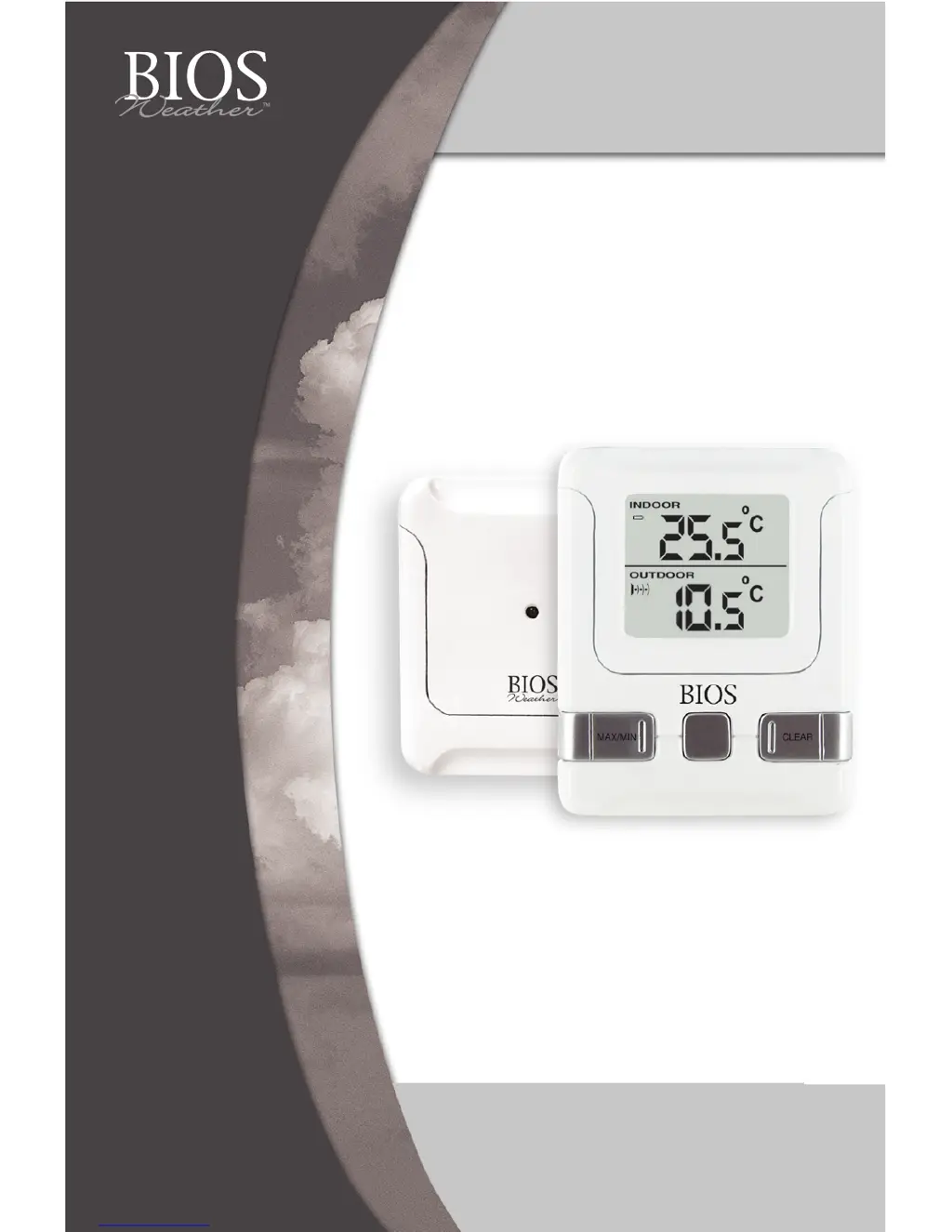
Indoor/Outdoor
Wireless Thermometer
Thermomètre sans fil
intérieur/extérieur

Questions and Answers

  • O
    Olivia WilliamsJul 27, 2025
    Why is my BIOS WEATHER Indoor/Outdoor Wireless not receiving the outdoor temperature?
    • I
      Isaac CoxJul 27, 2025
      Several factors can prevent your BIOS WEATHER Thermometer from receiving the outdoor temperature. The monitor or remote sensor may be too close to interfering sources like computer monitors or TVs; ensure they are at least 0.9 to 1.2 meters (3 to 4 feet) away. Avoid placing the monitor near metal window frames. Other electrical products operating on the same 433MHz frequency, including neighbors' devices, can cause interference. Signals from devices like doorbells or home security systems can also temporarily interfere. The transmission range is 30 meters (100 feet) in open space, but this can be affected by the environment and interference levels. Also, the signal will not curve around an object. If these steps don't work, try resetting all units.

Summary

Wireless Thermometer Components Overview

Monitor Control Buttons and Display

Identifies monitor buttons (MAX/MIN, CLEAR, °C/°F, RESET, RE-SYNC) and display elements (Battery Icon, Indoor Temp, Signal Icon, Outdoor Temp).

Remote Sensor Buttons and Compartment

Details remote sensor buttons (RESET, TEST) and battery compartment access points.

Setting Up Your Wireless Thermometer

Initial Setup Procedure

Steps for inserting batteries, pressing reset buttons, and initial monitor-sensor pairing.

Getting Started and Signal Acquisition

Instructions for establishing the first signal transmission and troubleshooting initial connection.

Troubleshooting Signal Reception

Common Interference and Range Issues

Addresses causes of poor signal reception including distance, physical obstructions, and electronic interference.

Thermometer Features and Operation

Maximum and Minimum Temperature Display

How to view and clear the recorded maximum and minimum indoor/outdoor temperatures.

Temperature Unit (°C;°F) Switching

Instructions for toggling the temperature display between Celsius and Fahrenheit.

Signal Detection Indicator

Explanation of the icons used to indicate signal status: No Signal, Signal Detected, Successful Reception.

Specifications and Placement Guidelines

Technical Specifications

Details on temperature measuring range, checking interval, power source, and battery life.

Remote Sensor Placement

Recommendations for optimal remote sensor placement to avoid interference and ensure splash-proof use.

Monitor Mounting Options

Guidance on how and where to mount or place the main monitor unit.

Product Warranty and Support

One Year Limited Warranty

Information on warranty coverage, return procedures, and required documentation for repairs or replacements.

BIOS WEATHER Indoor/Outdoor Wireless Thermometer Specifications

General IconGeneral
BrandBIOS WEATHER
ModelIndoor/Outdoor Wireless Thermometer
CategoryThermometer
LanguageEnglish

Related product manuals