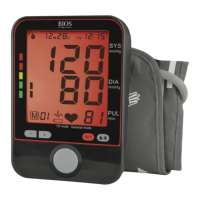
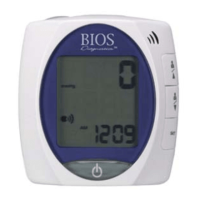
Item Function
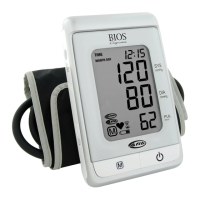
LCD Screen Your recorded blood pressure, heart rate and time are
displayed here.
AC/DCSocket Connect to adapter.
Memory Button
Press to view the previously recorded data.
Start/StopButton
Press to start or stop recording your blood pressure.
Time Button
Press to set or view current date and time or to change
the user.
Cuff Connection Connect to the upper arm cuff here and place the cuff
around your arm to measure your blood pressure.
Battery Compartment Insert the four “AA” batteries here.
Arm Cuff Wide range cuff for arm circumference 22-42 cm.
(Fits into storage compartment on unit).
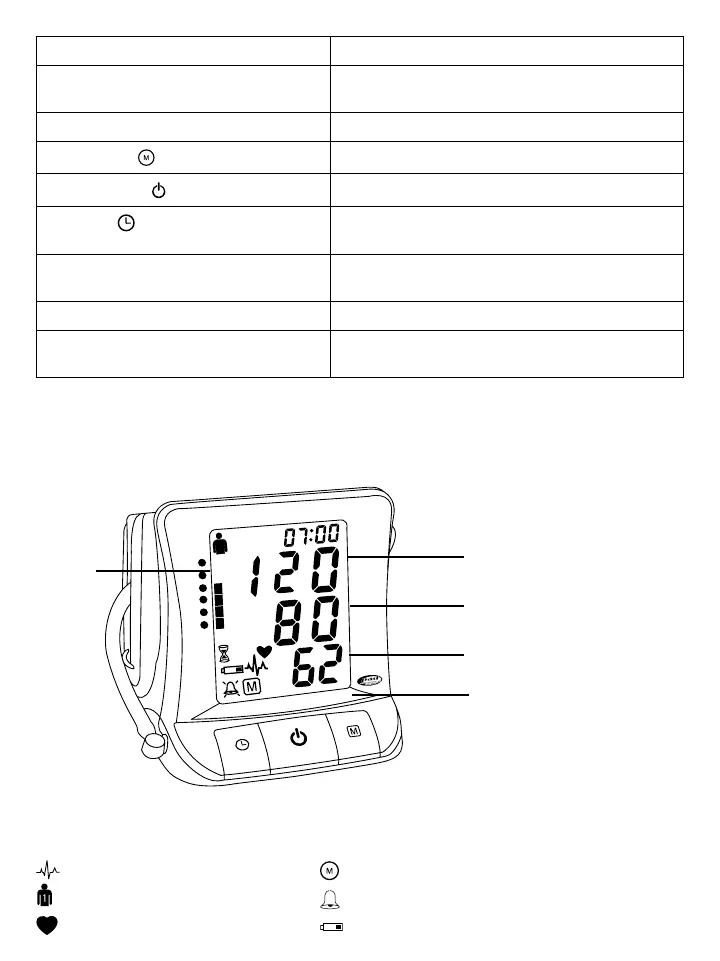
2.2 About the LCD Screen
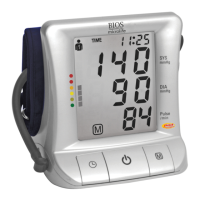
The LCD screen displays the systolic and diastolic blood pressure measurements along with your heart rate. It
also displays previously recorded measurements, the date and time, when the appropriate button is pressed.
SYS.
mmHg
DIA.
mmHg
Pulse
/ min
TIME
1
Systolic blood
pressure (mmHg)
Diastolic blood
pressure (mmHg)
Pulse rate
(beats/minute)
Time
User
Irregular heartbeat
User number
Heartbeat during measurement
Symbol Guide
Memory
Medication reminder
Low battery


 To Next Page